Drag the slider to adjust text size.
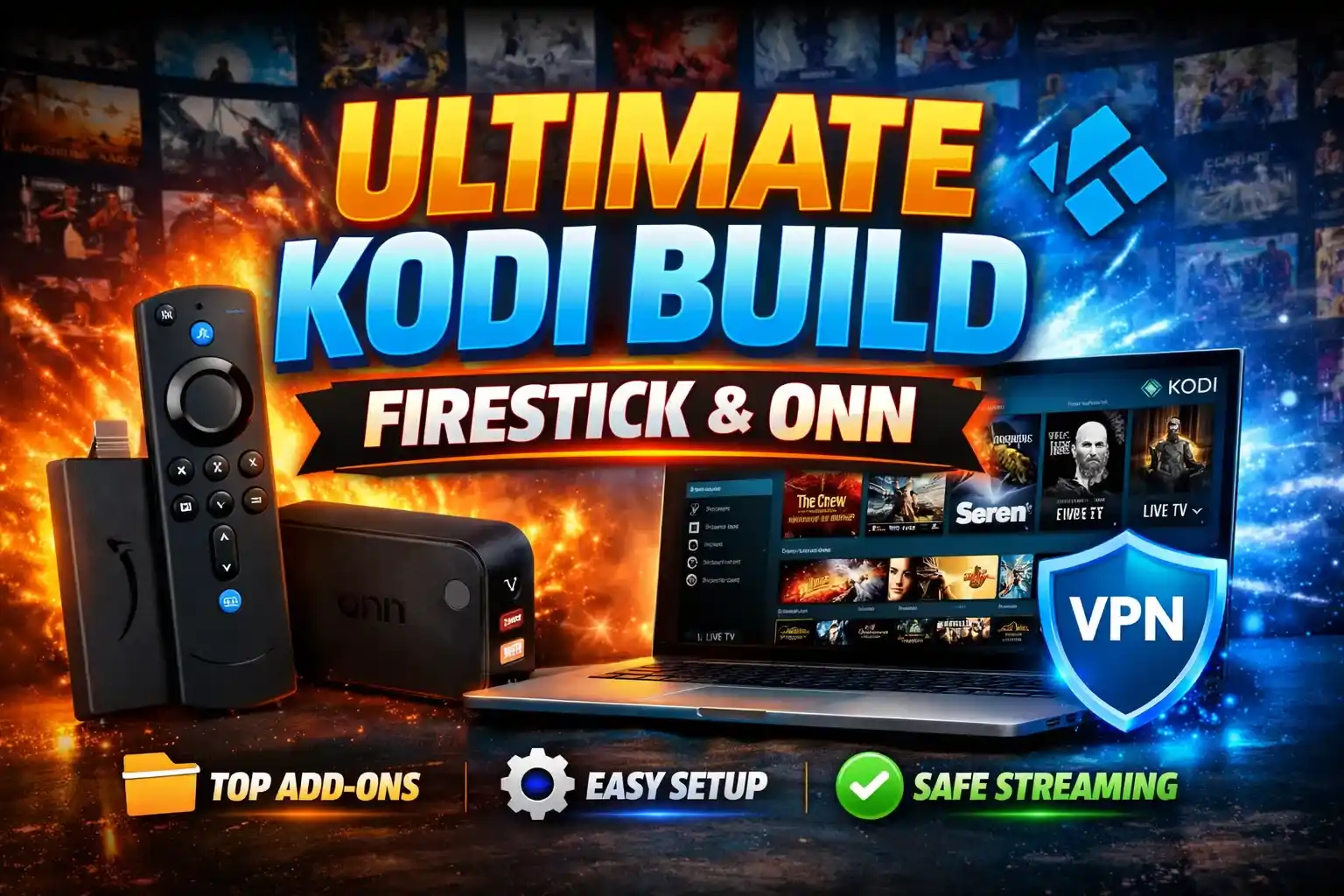
If you’re searching for the ultimate Kodi build for Firestick & ONN, you’re in the right place. This guide covers everything you need to know about setting up, optimizing, and safely using Kodi on your Firestick or ONN Android TV device. Whether you’re a beginner or an experienced user, this article will help you get the most out of your streaming experience.
🔒 Protect Your Kodi Streaming
Avoid ISP tracking and stream Kodi safely using one of the fastest and most trusted VPN services.
✔ Works with Kodi & Firestick
✔ No Logs Privacy Protection
✔ 30-Day Money Back Guarantee
Recommended for safe and private Kodi streaming
What is a Kodi Build?
A Kodi build is a pre-configured version of the Kodi media player that comes with pre-installed add-ons, skins, and settings. Instead of manually installing and configuring each component, a build allows you to set up Kodi quickly with everything you need for streaming movies, TV shows, live TV, and more.
Builds are especially popular among Firestick and ONN users because they simplify the setup process and provide a user-friendly interface.
Why Choose Kodi for Firestick & ONN?
Kodi is a versatile, open-source media player that supports a wide range of formats and add-ons. Here’s why it’s a top choice for Firestick and ONN users:
- Compatibility: Kodi works seamlessly on Firestick, ONN Android TV, and other devices.
- Customization: With builds, you can tailor Kodi to your preferences.
- Free Streaming: Access a vast library of content without subscription fees.
- User-Friendly: Builds make Kodi easy to use, even for beginners.
Top Features of the Ultimate Kodi Build
The ultimate Kodi build for Firestick & ONN includes the following features:
- Pre-installed Add-ons: Popular add-ons like The Crew, Seren, and Diggz for movies, TV shows, and live TV.
- Optimized Skins: Sleek, easy-to-navigate skins like Titan and Amber.
- Regular Updates: Ensures compatibility with the latest Kodi version and add-ons.
- Lightweight Design: Optimized for Firestick and ONN devices to prevent lag.
- Built-in VPN Integration: Enhances privacy and bypasses geo-restrictions.
How to Install the Ultimate Kodi Build on Firestick & ONN
Follow these steps to install the ultimate Kodi build on your device:
Step 1: Prepare Your Device
- Enable Apps from Unknown Sources in your device settings.
- Install the latest version of Kodi from the Amazon Appstore or Google Play Store.
Step 2: Install a Build Installer
- Download and install a build installer like Tiki Build Wizard or Misfit Mods Lite.
- Use the installer’s URL to fetch the build.
Step 3: Choose and Install the Build
- Browse the available builds and select the one that suits your needs.
- Follow the on-screen instructions to install the build.
Step 4: Configure and Enjoy
- Once installed, launch Kodi and explore the pre-configured add-ons and settings.
- Customize the build further if needed.
Best Kodi Builds for Firestick & ONN
Here are some of the best Kodi builds to consider:
1. Titanium Build
- Features: Lightweight, fast, and packed with popular add-ons.
- Best For: Users who want a balance of performance and content.
2. No Limits Magic Build
- Features: Comprehensive build with a wide range of add-ons.
- Best For: Users who want everything in one place.
3. Diggz Xenon Build
- Features: Modern interface with high-quality streaming options.
- Best For: Users who prioritize aesthetics and functionality.
4. Misfit Mods Lite
- Features: Lightweight and optimized for Firestick and ONN devices.
- Best For: Beginners and users with older hardware.
Tips for Optimizing Kodi on Firestick & ONN
To get the best performance from your Kodi build, follow these tips:
- Clear Cache Regularly: Prevents buffering and improves speed.
- Use a VPN: Protects your privacy and unblocks geo-restricted content.
- Update Add-ons: Ensure all add-ons are up to date for optimal performance.
- Limit Background Apps: Close unused apps to free up resources.
Safety and Legal Considerations
While Kodi itself is legal, some add-ons may provide access to copyrighted content. To stay safe:
- Use a VPN: Encrypts your internet traffic and hides your IP address.
- Stick to Legal Add-ons: Use official add-ons from the Kodi repository.
- Avoid Piracy: Streaming copyrighted content without permission is illegal.
Troubleshooting Common Issues
If you encounter problems with your Kodi build, try these solutions:
- Buffering: Clear cache, reduce video quality, or use a faster internet connection.
- Add-on Not Working: Update the add-on or try an alternative.
- Build Not Loading: Reinstall the build or try a different one.
Conclusion
The ultimate Kodi build for Firestick & ONN offers a seamless streaming experience with pre-configured add-ons, optimized skins, and regular updates. By following this guide, you can set up Kodi quickly and enjoy a wide range of content on your device.
Remember to prioritize safety by using a VPN and sticking to legal add-ons. With the right build and setup, Kodi can transform your Firestick or ONN device into a powerful entertainment hub.






