Drag the slider to adjust text size.
Kodi remains one of the most popular media center platforms in 2026, offering users the ability to stream movies, TV shows, live sports, and more through various addons. Whether you’re a beginner or an experienced user, finding reliable and high-quality Kodi addons can significantly enhance your streaming experience.
🔒 Protect Your Kodi Streaming
Avoid ISP tracking and stream Kodi safely using one of the fastest and most trusted VPN services.
✔ Works with Kodi & Firestick
✔ No Logs Privacy Protection
✔ 30-Day Money Back Guarantee
Recommended for safe and private Kodi streaming
This comprehensive guide covers over 60 of the best Kodi addons available in 2026, organized by category for easy navigation.
What Are Kodi Addons and Why Use Them?
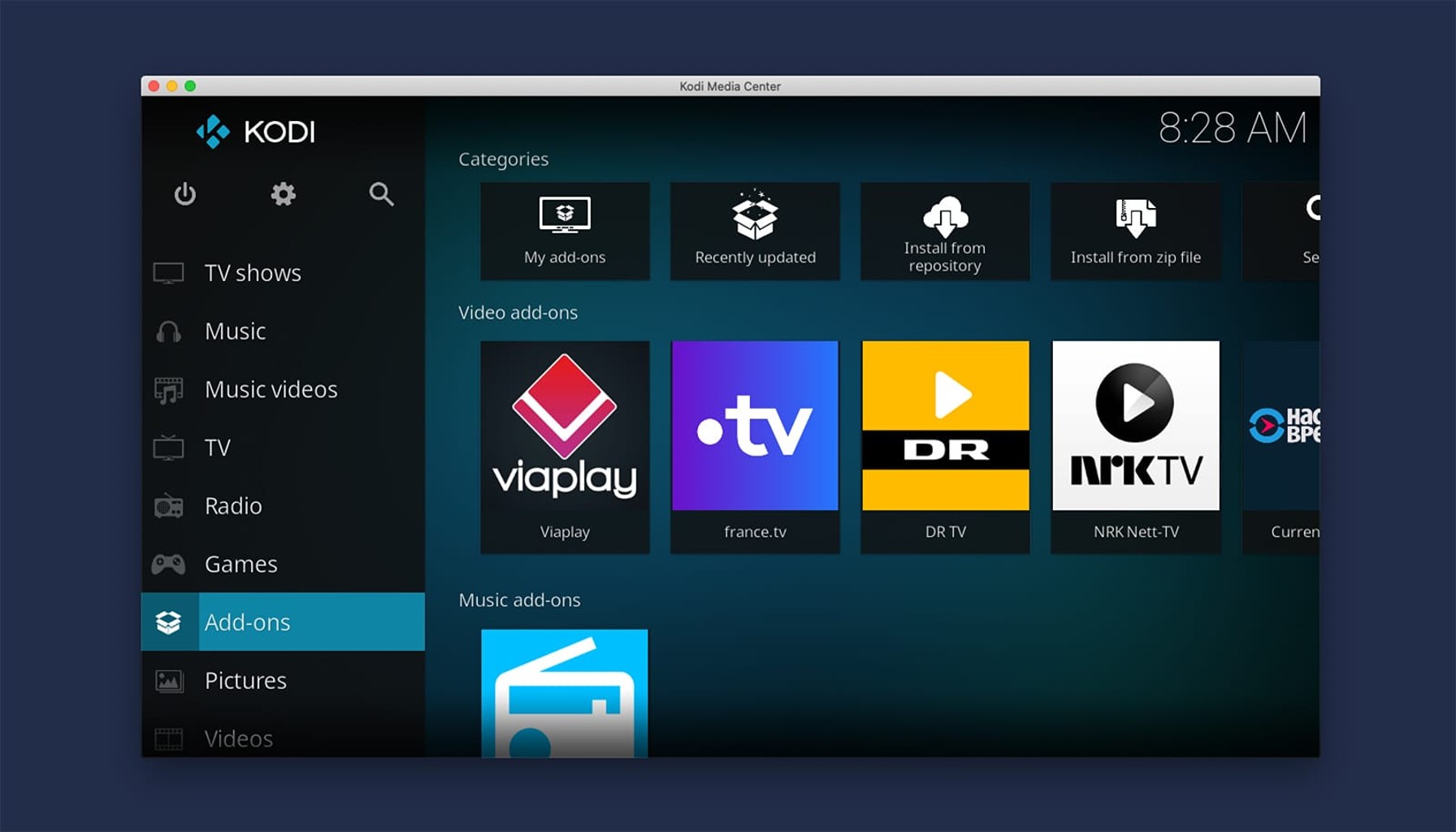
Kodi addons are extensions that expand the functionality of the Kodi media player. These addons provide access to streaming content, live TV channels, sports events, music, and much more. The right combination of addons can transform your Kodi setup into a complete entertainment hub.
Safety and Legal Considerations
Before diving into the best Kodi addons, it’s important to understand that while Kodi itself is legal, some addons may provide access to copyrighted content. Always use a reliable VPN when streaming to protect your privacy and ensure you’re accessing content legally. We recommend researching each addon’s source and legality before use.
Best Video Streaming Addons
Top Movie and TV Show Addons
1. Seren – A premium addon that scrapes high-quality links from multiple sources, offering excellent streaming quality.
2. The Crew – An all-in-one addon featuring movies, TV shows, live TV, and sports content with a user-friendly interface.
3. Venom – One of the most reliable addons for movies and TV shows, known for its consistent performance and high-quality links.
4. Numbers – A feature-rich addon offering movies, TV shows, documentaries, and more with excellent organization.
5. Asgard – Provides a vast library of movies and TV shows with multiple resolution options.
Specialized Content Addons
6. YouTube – The official YouTube addon brings all YouTube content directly to Kodi.
7. Plex – Stream content from your Plex media server through Kodi.
8. Emby – Similar to Plex, this addon connects your Emby server to Kodi.
9. Netflix – Access your Netflix subscription directly through Kodi (requires proper configuration).
10. Disney+ – Stream Disney’s extensive library of movies and shows through this addon.
Best Live TV Addons
International and Local Channels
11. cCloud TV – Offers thousands of live TV channels from around the world.
12. TVOne – A reliable addon for live TV with a clean interface.
13. USTVNow – Provides access to US television channels, great for American expats.
14. Live Tube – Streams live TV channels and on-demand content.
15. SkyNet – Features a wide selection of live TV channels across various categories.
Best Sports Addons
Live Sports Streaming
16. SportHD – Dedicated to high-definition sports content with reliable streams.
17. Rising Tides – Offers live sports events including football, basketball, and more.
18. DAZN – Access DAZN’s sports streaming service through Kodi.
19. Sportowa TV – Features various sports channels and live events.
20. Fitzy Sports – Provides sports highlights, replays, and live events.
Best Music Addons
Audio Streaming Services
21. Spotify – The official Spotify addon for streaming your music library.
22. SoundCloud – Access millions of tracks from independent artists.
23. TuneIn Radio – Listen to live radio stations from around the world.
24. Radio KISS – A modern radio addon with a clean interface.
25. MP3 Streams – Search and stream MP3 music files.
Best Kids and Family Addons
Child-Friendly Content
26. YouTube Kids – A filtered version of YouTube suitable for children.
27. PBS Kids – Educational content from the Public Broadcasting Service.
28. Cartoon Network – Access to Cartoon Network shows and content.
29. Nickelodeon – Stream Nickelodeon’s family-friendly programming.
30. Disney Classics – A collection of classic Disney movies and shows.
Best Documentary Addons
Educational Content
31. Documentaries Heaven – A vast library of documentary films and series.
32. CuriosityStream – Access to high-quality documentaries on various subjects.
33. National Geographic – Content from National Geographic’s extensive library.
34. History Channel – Historical documentaries and educational content.
35. Science Documentaries – Focused on scientific and technological documentaries.
Best Anime Addons
Japanese Animation
36. AnimeGo – A comprehensive anime addon with a large library.
37. Anime World – Features anime series and movies with multiple quality options.
38. TwistMoe – Provides high-quality anime streams with minimal buffering.
39. Crunchyroll – Access to Crunchyroll’s extensive anime library.
40. 9Anime – Popular anime addon with a wide selection of titles.
Best Retro and Classic Content Addons
Vintage Entertainment
41. Classic Cinema – Old Hollywood movies and classic films.
42. Old Movies – A collection of public domain movies from various eras.
43. Classic TV – Vintage television shows and series.
44. Western Mania – Western movies and TV shows from the golden age.
45. Horror Classics – Vintage horror movies and thrillers.
Best Utility Addons
Essential Tools
46. Indigo – A maintenance and utility addon for Kodi.
47. OpenSubtitles – Provides subtitles for movies and TV shows.
48. Trakt – Syncs your watch history and recommendations.
49. Covenant – A backup addon for when primary addons aren’t working.
50. Easy Advanced Settings – Optimizes Kodi’s performance and settings.
Best International Content Addons
Global Entertainment
51. Bollywood Buzz – Indian movies and TV shows.
52. Korean Drama – Korean television series and movies.
53. Chinese Drama – Chinese TV shows and films.
54. Anime Plus – Additional anime content with international focus.
55. European TV – Channels and content from European countries.
Best Niche Addons
Specialized Interests
56. Fitness – Workout videos and fitness programs.
57. Cooking – Cooking shows and recipe videos.
58. Travel – Travel documentaries and destination guides.
59. DIY – Home improvement and do-it-yourself content.
60. Gaming – Gaming content, walkthroughs, and streams.
Best Kodi Addon Repositories
Where to Find Addons
61. Kodi Bae Repository – A popular repository with many working addons.
62. Lazy Kodi Repository – Features various entertainment addons.
63. Smash Repository – Contains several reliable streaming addons.
64. Stream Army – A repository focused on streaming content.
65. The Crew Repository – Home to The Crew addon and related content.
How to Install Kodi Addons
Installing Kodi addons typically involves these steps:
- Enable unknown sources in Kodi settings
- Add the repository source URL
- Install the repository
- Install the desired addon from within the repository
Always download addons from reputable sources and keep them updated for the best performance and security.
Tips for Optimizing Your Kodi Experience
- Use a VPN to protect your privacy and bypass geo-restrictions
- Keep Kodi and your addons updated
- Clear cache regularly to improve performance
- Use Real-Debrid or All-Debrid for premium links
- Organize your addons into categories for easier navigation
Conclusion
With over 60+ best Kodi addons available in 2026, there’s something for every type of viewer. From movies and TV shows to live sports and international content, these addons can transform your Kodi experience into a comprehensive entertainment system.
Remember to always use Kodi responsibly, respect copyright laws, and protect your privacy with a VPN. The addons listed in this guide represent some of the most reliable and popular options available, but the Kodi community is constantly evolving with new addons emerging regularly.
What are your favorite Kodi addons? Share your experiences and recommendations in the comments below!