Drag the slider to adjust text size.
Kodi remains one of the most versatile media center platforms, and with the right add-ons, it can transform your entertainment experience. As we move through, several standout add-ons have emerged that cater to different viewing preferences, from live TV to movies and specialized content.
🔒 Protect Your Kodi Streaming
Avoid ISP tracking and stream Kodi safely using one of the fastest and most trusted VPN services.
✔ Works with Kodi & Firestick
✔ No Logs Privacy Protection
✔ 30-Day Money Back Guarantee
Recommended for safe and private Kodi streaming
Why Add-ons Matter in Kodi
Add-ons are essentially the lifeblood of Kodi, extending its functionality far beyond basic media playback. They provide access to streaming content, live television, sports, documentaries, and even niche programming that would otherwise be unavailable through the default installation. The right combination of add-ons can turn your Kodi setup into a comprehensive entertainment hub.
Top Kodi Add-ons
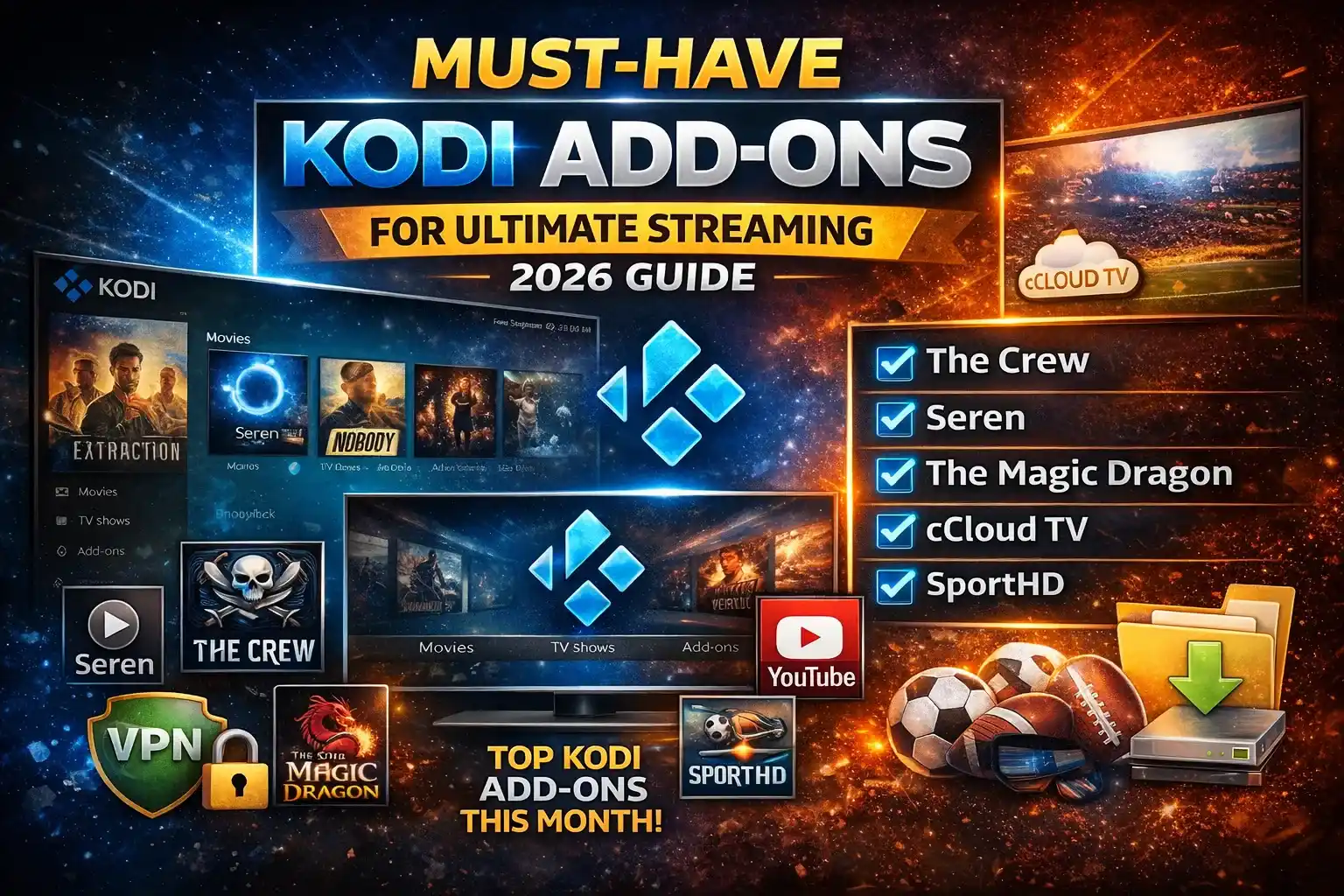
1. The Crew
The Crew continues to dominate as one of the most reliable all-in-one add-ons for Kodi users. This comprehensive package offers movies, TV shows, live TV, sports, and even a dedicated kids’ section. What makes The Crew particularly valuable is its consistent updates and stable performance across different Kodi versions.
⚠️ WARNING: Before installing this Kodi addon, it is strongly recommended to use a VPN to protect your privacy while streaming.
👉 Get 76% NordVPN DealThe add-on features multiple scrapers that ensure content availability even when individual sources go down. Its user-friendly interface makes navigation straightforward, even for Kodi newcomers.
2. Seren
For those who prioritize quality streaming, Seren remains the premium choice. Unlike many free add-ons, Seren integrates with premium services like Real-Debrid and Premiumize, providing high-quality links with minimal buffering. The add-on excels at finding 1080p and 4K content when available.
Seren’s clean interface and advanced filtering options make it easy to find exactly what you’re looking for. The add-on also includes Trakt integration, allowing you to sync your watchlist across devices.
3. The Magic Dragon
The Magic Dragon offers an extensive library of movies and TV shows with multiple resolution options. This add-on stands out for its well-organized categories and reliable search functionality. Regular updates ensure that new releases are available quickly, often within days of their official release.
The add-on includes sections for documentaries, stand-up comedy, and even fitness content, making it more than just a movie and TV show repository.
4. cCloud TV
Live TV enthusiasts continue to rely on cCloud TV for its massive channel selection. With thousands of channels from around the world, this add-on covers everything from news and sports to entertainment and specialty programming.
The interface allows for easy channel browsing and favorites management. While the stream quality can vary depending on the source, the sheer volume of available content makes it a valuable addition to any Kodi setup.
5. SportHD
Sports fans will appreciate SportHD, which provides comprehensive coverage of live sporting events. From football and basketball to niche sports, this add-on aggregates streams from multiple sources, increasing the likelihood of finding a working link for any given event.
The add-on includes schedules and reminders for upcoming matches, making it easy to plan your viewing in advance.
Essential Add-ons for Content Management
1. Trakt
Trakt isn’t a content provider but rather an essential tool for organizing your viewing experience. This add-on syncs your watch history, ratings, and watchlist across all your devices and compatible add-ons. It’s particularly useful if you use multiple devices or frequently switch between different Kodi installations.
2. YouTube
The official YouTube add-on provides seamless access to the world’s largest video platform directly within Kodi. The integration feels native, with full access to subscriptions, playlists, and recommendations. The add-on supports 4K playback where available and includes features like autoplay and picture-in-picture mode.
How to Install Kodi Add-ons Safely
Installing add-ons requires attention to security and reliability. Always download add-ons from official repositories or trusted sources to minimize risks. Before installing any add-on, ensure that your Kodi installation is up to date and that you have a reliable VPN service active.
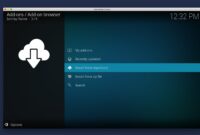
Most add-ons require enabling installations from unknown sources in Kodi’s settings. Navigate to System > Settings > System settings > Add-ons, and toggle on “Unknown sources.” Remember to disable this after installation for security purposes.
Tips for Optimal Kodi Performance
To get the best experience from your add-ons, consider these performance tips:
- Clear the cache regularly through maintenance tools
- Use a wired internet connection when possible
- Keep your Kodi installation updated
- Consider using a premium link resolver service for better stream quality
- Organize your add-ons into categories for easier navigation
Legal Considerations
While Kodi itself is completely legal software, some add-ons may access content through questionable means. Always verify the legality of content in your region and use official sources whenever possible. A VPN can help protect your privacy but doesn’t make illegal streaming legal.
Conclusion
The Kodi add-on ecosystem continues to evolve, with new options emerging regularly while established favorites maintain their popularity. The add-ons highlighted represent the best combination of reliability, content variety, and user experience currently available.
Whether you’re looking for movies, live TV, sports, or specialized content, there’s an add-on that can enhance your Kodi experience. Remember to prioritize security, legality, and performance when building your perfect Kodi setup.
What are your favorite Kodi add-ons this month? The landscape changes frequently, so staying informed about the latest developments ensures you’re always getting the most from your media center.