Drag the slider to adjust text size.
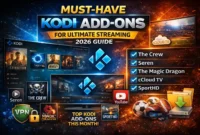
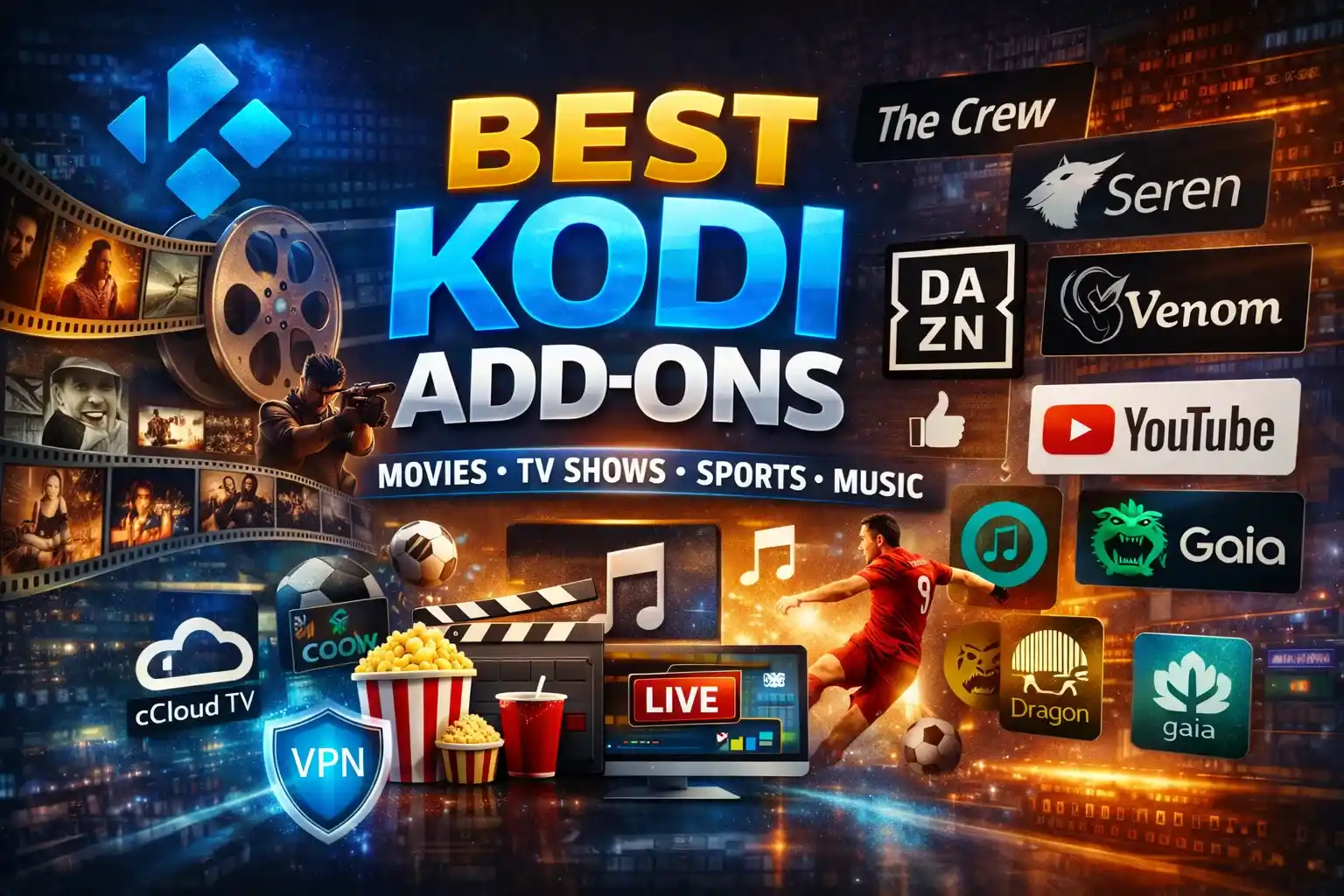
Kodi remains one of the most versatile media center platforms available, and with the right add-ons, you can transform it into a complete entertainment powerhouse. As we move through, several Kodi add-ons stand out for their performance, reliability, and content offerings. Whether you’re looking for movies, TV shows, live sports, or music, these are the best Kodi add-ons to enhance your streaming experience.
🔒 Protect Your Kodi Streaming
Avoid ISP tracking and stream Kodi safely using one of the fastest and most trusted VPN services.
✔ Works with Kodi & Firestick
✔ No Logs Privacy Protection
✔ 30-Day Money Back Guarantee
Recommended for safe and private Kodi streaming
What Makes a Great Kodi Add-on?
Before diving into our recommendations, it’s worth understanding what separates the good add-ons from the great ones. The best Kodi add-ons, offer consistent streaming quality, regular updates, extensive content libraries, and user-friendly interfaces. They should also work across multiple Kodi versions and provide reliable sources without excessive buffering.
Top Kodi Add-ons for Movies and TV Shows
⚠️ WARNING: Before installing this Kodi addon, it is strongly recommended to use a VPN to protect your privacy while streaming.
👉 Get 76% NordVPN DealThe Crew
The Crew continues to dominate as one of the most comprehensive Kodi add-ons. This all-in-one solution provides access to movies, TV shows, live TV, sports, and even real-debrid integration for premium streaming links. The interface is intuitive, making it perfect for both beginners and experienced users. Regular updates ensure that content remains fresh and working links are consistently available.
Seren
For users with Real-Debrid accounts, Seren remains the gold standard for high-quality streaming. This add-on scrapes premium links from Real-Debrid, providing buffer-free 4K and HD content. The clean interface and advanced filtering options make finding specific movies or shows effortless. While it requires a Real-Debrid subscription, the streaming quality justifies the cost for serious Kodi users.
Venom
Venom has established itself as a reliable alternative to the now-defunct Exodus add-on. It offers an extensive library of movies and TV shows with multiple streaming sources. The add-on features Trakt integration, allowing you to sync your watchlist across devices, and includes a useful “watched status” feature to track what you’ve already viewed.
Best Add-ons for Live TV and Sports
⚠️ WARNING: Before installing this Kodi addon, it is strongly recommended to use a VPN to protect your privacy while streaming.
👉 Get 76% NordVPN DealcCloud TV
Sports fans and cord-cutters will appreciate cCloud TV for its extensive live television offerings. This add-on provides access to hundreds of live channels from around the world, including sports networks, news channels, and entertainment programming. The channel list is regularly updated, and the streaming quality is generally reliable, though some channels may require a VPN for optimal performance.
Sportowa TV
Dedicated sports enthusiasts should consider Sportowa TV, which specializes in live sports coverage. From football and basketball to tennis and combat sports, this add-on aggregates streams from various sources. The interface is straightforward, with categories organized by sport type and competition, making it easy to find the event you want to watch.
Music and Entertainment Add-ons
⚠️ WARNING: Before installing this Kodi addon, it is strongly recommended to use a VPN to protect your privacy while streaming.
👉 Get 76% NordVPN DealSoundCloud
Music lovers can enhance their Kodi experience with the official SoundCloud add-on. This integration brings millions of tracks, podcasts, and audio content directly into your Kodi interface. The add-on supports user playlists, likes, and follows, creating a seamless transition from the web platform to your TV screen.
YouTube
The official YouTube add-on for Kodi remains essential for anyone who enjoys video content beyond traditional movies and TV shows. With full access to YouTube’s vast library, including 4K content where available, this add-on provides the familiar YouTube experience within Kodi’s interface. Sign-in functionality allows access to your subscriptions and playlists.
Specialized Add-ons Worth Considering
⚠️ WARNING: Before installing this Kodi addon, it is strongly recommended to use a VPN to protect your privacy while streaming.
👉 Get 76% NordVPN DealMagic Dragon
Magic Dragon offers a unique blend of content categories, including movies, TV shows, documentaries, and even fitness videos. The add-on features a clean, modern interface with excellent organization. Its integration with Trakt and Real-Debrid makes it a versatile choice for users who want more than just standard entertainment content.
Gaia
For users who prioritize quality over quantity, Gaia provides a curated streaming experience. This add-on focuses on finding the best available sources for each piece of content, whether from free providers or premium services like Real-Debrid. The advanced search and filtering options make it ideal for users who know exactly what they want to watch.
Installation and Safety Considerations
When installing Kodi add-ons, especially third-party ones, it’s crucial to use a VPN to protect your privacy and security. Many add-ons source content from various locations, and a VPN helps maintain anonymity while also potentially improving streaming performance by bypassing ISP throttling.
Always download add-ons from reputable sources like the official Kodi repository or well-known third-party repositories such as Lazy Kodi or No-Name. Be wary of add-ons that promise free access to premium content, as these often come with security risks or unreliable streaming.
Conclusion
The Kodi add-on landscape in offers something for everyone, from casual viewers to dedicated streaming enthusiasts. Whether you choose the comprehensive features of The Crew, the premium quality of Seren, or the specialized content of Sportowa TV, these add-ons will significantly enhance your Kodi experience. Remember to keep your add-ons updated and use them responsibly within your local copyright laws.
What are your favorite Kodi add-ons this month? The streaming community is always evolving, and new add-ons emerge regularly, so staying informed about the latest developments ensures you get the most out of your Kodi media center.