Drag the slider to adjust text size.
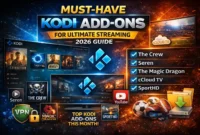
Kodi has become one of the most popular media center applications, allowing users to stream movies, TV shows, live sports, and more. However, to get the most out of Kodi, you need the right addons. In this guide, I’ll walk you through the 8 best Kodi addons for TV shows in 2026, helping you find reliable sources for your favorite content.
🔒 Protect Your Kodi Streaming
Avoid ISP tracking and stream Kodi safely using one of the fastest and most trusted VPN services.
✔ Works with Kodi & Firestick
✔ No Logs Privacy Protection
✔ 30-Day Money Back Guarantee
Recommended for safe and private Kodi streaming
What Are Kodi Addons?
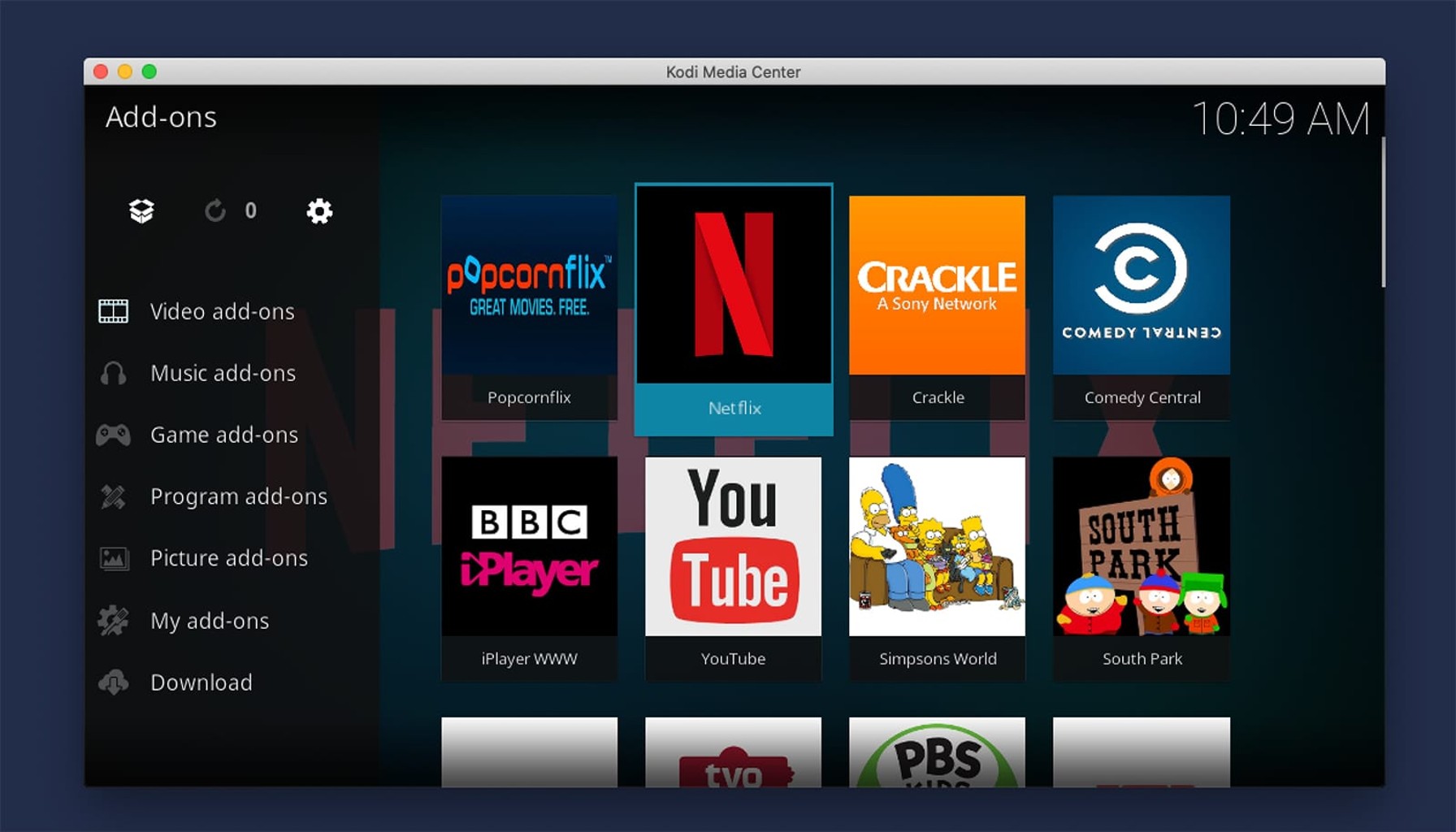
Before diving into the list, let’s clarify what Kodi addons are. Addons are third-party extensions that enhance Kodi’s functionality by providing access to various types of content. For TV shows specifically, these addons scrape links from different sources, giving you multiple options to stream your favorite series.
Note: Always use a VPN when streaming with Kodi addons to protect your privacy and bypass potential geo-restrictions.
8 Best Kodi Addons for TV Shows in 2026
⚠️ WARNING: Before installing this Kodi addon, it is strongly recommended to use a VPN to protect your privacy while streaming.
👉 Get 76% NordVPN Deal1. The Crew
The Crew is a versatile all-in-one addon that excels at providing TV shows. It offers a clean interface and regularly updated content library.
Why it’s great:
– Extensive TV show collection
– Multiple streaming quality options
– Integration with Trakt for watchlist management
– Sections for documentaries, live TV, and more
Installation: Available through Crew Repository
2. Seren
If you have premium services like Real-Debrid, Seren is your best bet. This premium addon scrapes high-quality links from authorized sources.
Key features:
– High-definition streaming with minimal buffering
– Trakt integration
– Favorites and watchlist functionality
– Regular updates with new episodes
3. Venom
Venom has quickly become one of the most reliable TV show addons in 2026. It features a massive library and consistent performance.
What makes it stand out:
– Clean, user-friendly interface
– Multiple source scrapers
– Subtitles support
– Episode guide with air dates
4. Shadow
Shadow is another comprehensive addon that works exceptionally well for TV shows. It’s known for its stability and content variety.
Benefits:
– Well-organized TV show categories
– Integration with external players
– Search functionality across multiple sources
– Regular maintenance and updates
5. Numbers
Numbers is a fork of the popular Numbers addon, offering a streamlined experience focused on TV shows and movies.
Why users love it:
– Fast loading times
– High-quality stream sources
– Simple navigation
– Trakt synchronization
6. Smash
Smash is a newer addon that has gained popularity due to its reliability and content selection.
Features:
– Dedicated TV show section
– Multiple scraper options
– Favorites system
– Regular content updates
7. Rising Tides
Rising Tides is a smaller but quality-focused addon for TV show enthusiasts.
What it offers:
– Curated TV show collection
– High-quality stream sources
– Simple, intuitive interface
– Minimal buffering issues
8. The Oath
The Oath rounds out our list with a solid selection of TV shows and movies.
Highlights:
– Well-maintained content library
– Multiple quality options
– Subtitles support
– Trakt integration
How to Install Kodi Addons Safely
Installing Kodi addons requires careful attention to security. Here’s a basic installation process:
- Enable Unknown Sources in Kodi settings
- Install a Repository that hosts the addon
- Download and Install the addon from the repository
- Configure Settings for optimal performance
Pro Tip: Always download addons from reputable sources to avoid malware or broken builds.
Troubleshooting Common Kodi Addon Issues
Even the best addons can run into problems. Here are solutions to common issues:
Buffering Problems
- Check your internet speed
- Clear Kodi cache
- Use a wired connection instead of Wi-Fi
- Consider using Real-Debrid for premium links
Addons Not Working
- Update to the latest version
- Check for repository updates
- Verify your VPN connection
- Clear addon data and reconfigure
No Streams Available
- Try different scrapers within the addon
- Check if the source website is down
- Update the addon to the latest version
- Use multiple addons as backup sources
Best Practices for Using Kodi Addons
To get the most out of your Kodi experience:
- Use a VPN – Protect your privacy and access geo-restricted content
- Keep Addons Updated – Developers regularly fix bugs and add features
- Organize Your Library – Use Trakt integration to keep track of what you’ve watched
- Have Backup Options – Install multiple addons for the same content type
- Clear Cache Regularly – Prevent performance issues over time
Conclusion
Finding the best Kodi addons for TV shows in 2026 can significantly enhance your streaming experience. Whether you prefer The Crew’s comprehensive library, Seren’s premium quality, or Venom’s reliability, there’s an addon on this list for every type of user.
Remember that addon availability and performance can change over time, so it’s worth periodically checking for updates and new options. With the right setup and these top addons, you’ll have access to thousands of TV shows at your fingertips.
What’s your favorite Kodi addon for TV shows? Have you tried any of these recommendations? Let me know in the comments below!