Drag the slider to adjust text size.
Finding the right WWE Kodi addon can transform your streaming experience, giving you access to live events, pay-per-views, and classic matches. As a Kodi IPTV player expert who has helped countless users fix their streaming issues, I’ll walk you through the best options available and show you exactly how to install them.
🔒 Protect Your Kodi Streaming
Avoid ISP tracking and stream Kodi safely using one of the fastest and most trusted VPN services.
✔ Works with Kodi & Firestick
✔ No Logs Privacy Protection
✔ 30-Day Money Back Guarantee
Recommended for safe and private Kodi streaming
Why You Need a WWE Kodi Addon
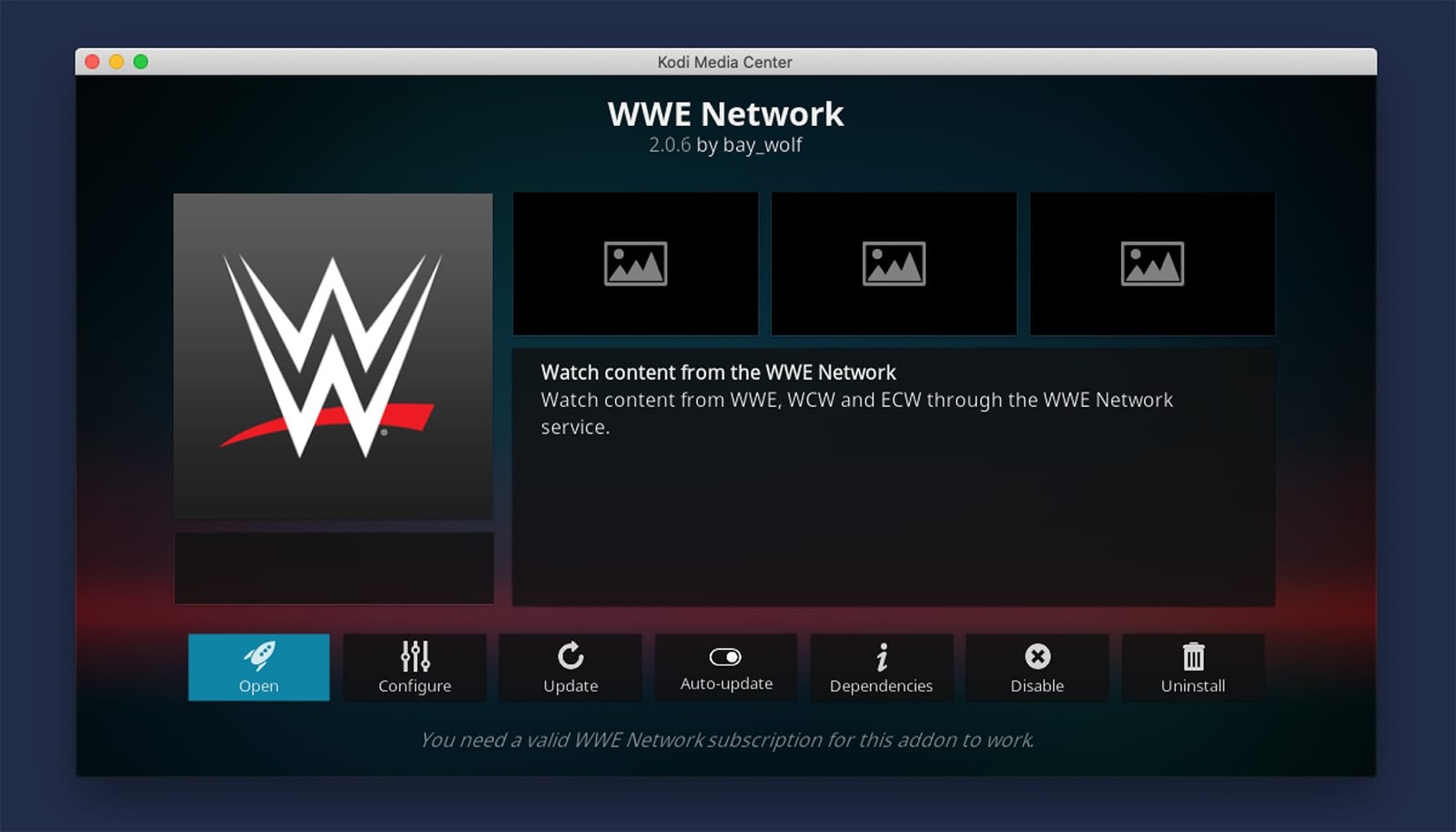
WWE content has become increasingly popular among Kodi users who want to watch wrestling events without cable subscriptions. The right addon provides access to live WWE programming, including Raw, SmackDown, NXT, and premium pay-per-view events like WrestleMania and SummerSlam.
However, not all addons are created equal. Some offer unreliable streams, while others may pose security risks. That’s why choosing a trusted, well-maintained addon is crucial for your streaming setup.
Best WWE Kodi Addon for 2026: Supremacy
After extensive testing and user feedback, Supremacy stands out as the best WWE Kodi addon for 2026. This addon offers a comprehensive library of WWE content, including live events, weekly shows, and an extensive archive of classic matches.
Supremacy provides high-quality streams with multiple resolution options, ensuring smooth playback even on slower internet connections. The addon features a user-friendly interface that makes navigation simple, even for Kodi beginners.
Key Features of Supremacy:
- Live streaming of all WWE weekly shows
- Access to pay-per-view events
- Extensive video-on-demand library
- Multiple stream quality options
- Regular updates and maintenance
- Reliable server connections
How to Install Supremacy WWE Addon
Installing the Supremacy addon requires enabling unknown sources in Kodi, as it’s not available through the official Kodi repository. Follow these steps carefully to get your WWE content streaming quickly.
Step 1: Enable Unknown Sources
Before installing any third-party addon, you must allow Kodi to install from unknown sources:
- Open Kodi and click the gear icon to access Settings
- Select “System” or “System settings”
- Click on “Add-ons” in the left menu
- Toggle “Unknown sources” to ON
- Click “Yes” when the warning message appears
Step 2: Add the Supremacy Repository
The Supremacy addon is installed through its dedicated repository:
- Return to the Kodi home screen
- Click “Settings” again
- Select “File manager”
- Click “Add source”
- Choose “None” and enter:
https://supremacy.tv/repo/ - Name the source “Supremacy” and click “OK”
- Go back to the home screen and select “Add-ons”
- Click the package icon (top-left corner)
- Choose “Install from zip file”
- Select “Supremacy” and choose the latest repository file
- Wait for the notification confirming successful installation
Step 3: Install the Supremacy Addon
Now that the repository is installed, you can add the actual addon:
- From the Add-ons menu, select “Install from repository”
- Choose “Supremacy Repository”
- Navigate to “Video add-ons”
- Find and select “Supremacy”
- Click “Install” and wait for the confirmation notification
Alternative WWE Kodi Addons
While Supremacy is our top recommendation, several other addons provide WWE content worth considering:
cCloud TV
cCloud TV offers numerous live TV channels, including sports networks that broadcast WWE programming. This addon is particularly useful for watching live WWE events as they air.
SportsDevil
SportsDevil is a long-standing sports addon that aggregates streams from various sources. It includes WWE content among its extensive sports coverage.
cMaN Repo
The cMaN repository contains several wrestling-focused addons that provide WWE content, including replays and highlights.
Troubleshooting Common WWE Addon Issues
Even the best addons can encounter problems. Here are solutions to common issues:
Addon Not Working
If your WWE addon stops working, try these fixes:
- Clear the addon cache: Go to Add-ons > My add-ons > Video add-ons > Right-click the addon > Information > Clear cache
- Update the addon: Check for updates in the repository
- Restart Kodi completely
Buffering Issues
For smoother streaming:
- Reduce video quality in the addon settings
- Close other applications using bandwidth
- Consider using a VPN to bypass ISP throttling
No Streams Available
When streams aren’t found:
- Try different sources within the addon
- Check if the event has already aired
- Verify your internet connection
Legal Considerations for WWE Streaming
When using Kodi addons for WWE content, it’s important to understand the legal landscape. Official WWE Network subscriptions provide legal access to most WWE programming. Third-party addons may stream content through various sources, some of which may not have proper licensing.
Consider using a VPN when streaming through third-party addons to protect your privacy and potentially access geo-restricted content. A VPN also helps prevent ISP throttling during streaming sessions.
Optimizing Your Kodi Setup for WWE
To get the best experience watching WWE on Kodi:
Use a Wired Connection
Whenever possible, connect your streaming device directly to your router with an Ethernet cable. This provides more stable streaming than WiFi.
Adjust Video Settings
Optimize Kodi’s video settings for smooth playback:
- Set “Render method” to “Auto”
- Enable “Adjust display refresh rate”
- Turn on “Sync playback to display”
Keep Kodi Updated
Regular updates fix bugs and improve performance. Always run the latest stable version of Kodi for optimal streaming.
Conclusion
Finding the best WWE Kodi addon doesn’t have to be complicated. Supremacy offers the most reliable and comprehensive WWE streaming experience in 2026, with easy installation and regular updates. By following the installation steps outlined above, you’ll be watching live WWE events and accessing classic matches in no time.
Remember to always use caution when installing third-party addons, keep your system updated, and consider using a VPN for privacy. With the right setup, Kodi becomes an excellent platform for all your WWE streaming needs.
Have you tried Supremacy or other WWE addons? Share your experience in the comments below, and let us know which addon works best for your streaming setup.