Drag the slider to adjust text size.
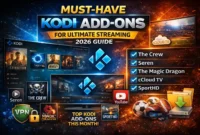
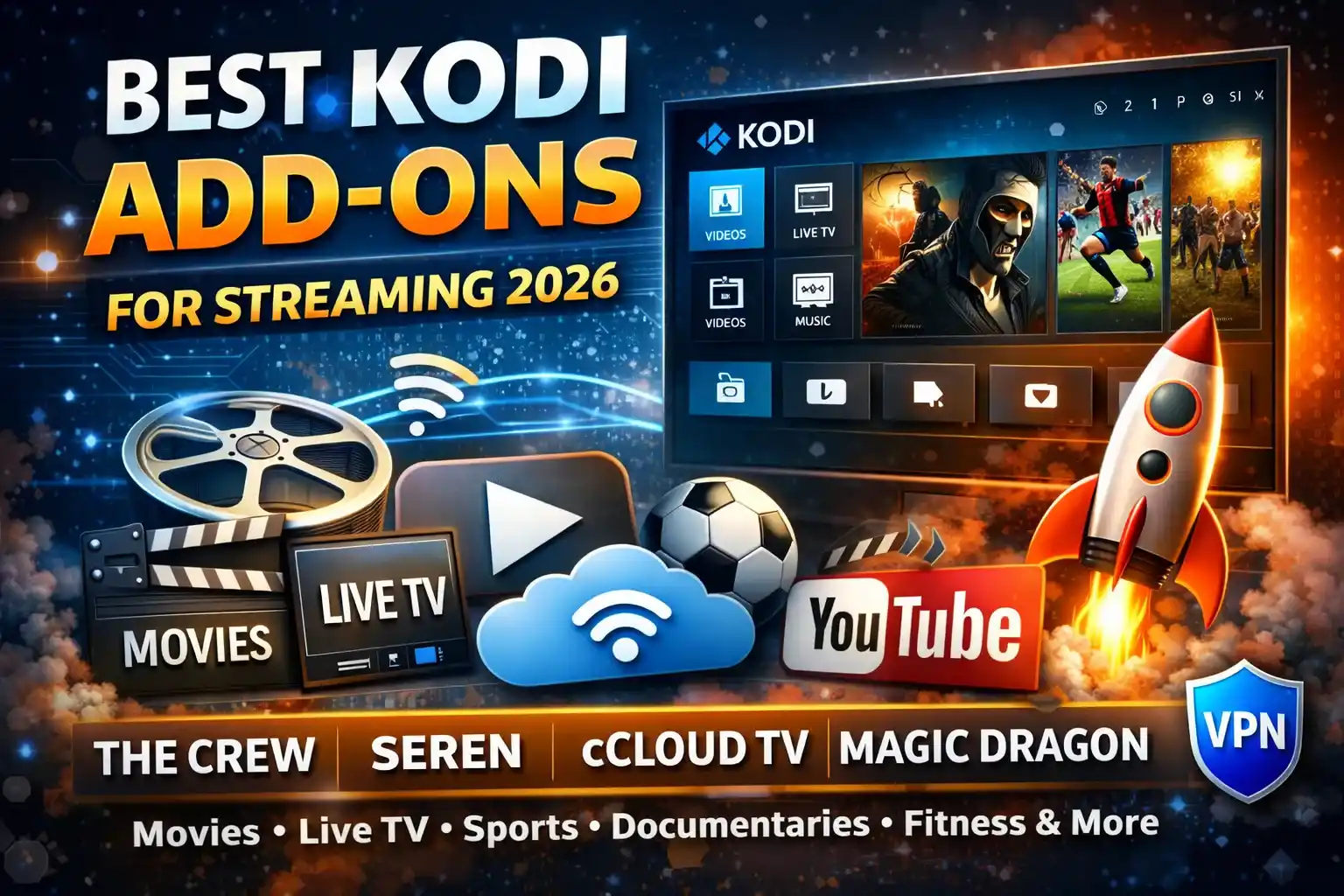
Kodi remains one of the most versatile media center platforms, and with the right add-ons, it transforms into a powerhouse for streaming movies, TV shows, live sports, and more. Whether you’re new to Kodi or looking to refresh your setup, this guide covers the best add-ons for Kodi—carefully selected for performance, reliability, and ease of use.
🔒 Protect Your Kodi Streaming
Avoid ISP tracking and stream Kodi safely using one of the fastest and most trusted VPN services.
✔ Works with Kodi & Firestick
✔ No Logs Privacy Protection
✔ 30-Day Money Back Guarantee
Recommended for safe and private Kodi streaming
Why Choosing the Right Add-ons Matters
The Kodi ecosystem is vast, but not all add-ons are created equal. Some offer seamless streaming, while others may be unstable or even risky. The focus is on legal, well-maintained add-ons that respect copyright and provide a smooth user experience. Whether you’re after on-demand content, live TV, or specialized niches like documentaries or fitness, there’s an add-on tailored for you.
Top Kodi Add-ons
⚠️ WARNING: Before installing this Kodi addon, it is strongly recommended to use a VPN to protect your privacy while streaming.
👉 Get 76% NordVPN Deal1. The Crew
The Crew continues to dominate as a versatile all-in-one add-on. It offers movies, TV shows, live TV, sports, and even integration with Real-Debrid for high-quality links. Its user-friendly interface and consistent updates make it a top choice for both beginners and advanced users.
- Best for: Movies, TV shows, live sports
- Notable feature: Real-Debrid integration
- Why it stands out: Reliable streaming with minimal buffering
2. Seren
If you have a Real-Debrid account, Seren is a must-have. It scrapes premium links and organizes them in a clean, intuitive interface. The add-on supports 4K and HDR content, making it ideal for users with high-speed internet and compatible hardware.
- Best for: High-quality on-demand content
- Notable feature: 4K HDR support
- Why it stands out: Premium link scraping with minimal effort
3. The Magic Dragon
The Magic Dragon is a long-standing favorite for its massive library of movies and TV shows. It also includes sections for documentaries, fitness, and even stand-up comedy. The add-on is lightweight and works well on lower-spec devices.
- Best for: General entertainment
- Notable feature: Lightweight and fast
- Why it stands out: Broad content variety
4. cCloud TV
For live TV enthusiasts, cCloud TV remains a reliable option. It offers hundreds of channels from around the world, covering news, sports, entertainment, and more. While it requires a bit of setup, the channel selection is hard to beat.
- Best for: Live TV streaming
- Notable feature: Global channel coverage
- Why it stands out: Extensive live TV library
5. YouTube
Sometimes, the classics are the best. The YouTube add-on for Kodi brings the full YouTube experience to your media center. It’s perfect for watching tutorials, music videos, or user-generated content on a bigger screen.
- Best for: User-generated content
- Notable feature: Full YouTube integration
- Why it stands out: Familiar interface and vast content
Niche Add-ons Worth Exploring
6. Documentaries Heaven
If you’re a fan of non-fiction, Documentaries Heaven is a hidden gem. It curates a wide range of documentaries across genres like history, science, and true crime.
- Best for: Documentary lovers
- Notable feature: Curated documentary library
- Why it stands out: Focused content for enthusiasts
7. FitZone
For those who want to stay active, FitZone offers workout videos, yoga sessions, and fitness tutorials. It’s a great way to turn your Kodi setup into a home gym.
- Best for: Fitness content
- Notable feature: Workout video library
- Why it stands out: Health-focused streaming
How to Install Kodi Add-ons Safely
Installing add-ons is straightforward, but it’s important to follow best practices:
- Use trusted sources: Stick to official Kodi repositories or well-known third-party sources.
- Enable unknown sources cautiously: Only enable this in Kodi settings if you trust the source.
- Keep Kodi updated: Regular updates improve security and performance.
- Use a VPN: Protect your privacy, especially when streaming content from unofficial sources.
Tips for Optimizing Your Kodi Experience
- Clear cache regularly: This prevents buffering and improves performance.
- Organize your library: Use Kodi’s built-in tools to keep your content tidy.
- Experiment with skins: Customize the look and feel of Kodi to suit your style.
- Backup your settings: Save your add-on configurations to avoid losing them during updates.
Final Thoughts
The best add-ons for Kodi in offer a mix of reliability, variety, and ease of use. Whether you’re streaming the latest blockbusters, catching live sports, or diving into niche content, there’s an add-on to match your needs. Remember to prioritize legal and safe streaming practices, and enjoy the endless possibilities Kodi brings to your entertainment setup.
Related keywords: Kodi add-ons 2026, best Kodi streaming add-ons, Kodi live TV add-ons, Kodi movies add-ons, Kodi sports add-ons, Kodi setup guide, Kodi VPN, Kodi Real-Debrid integration.