Drag the slider to adjust text size.
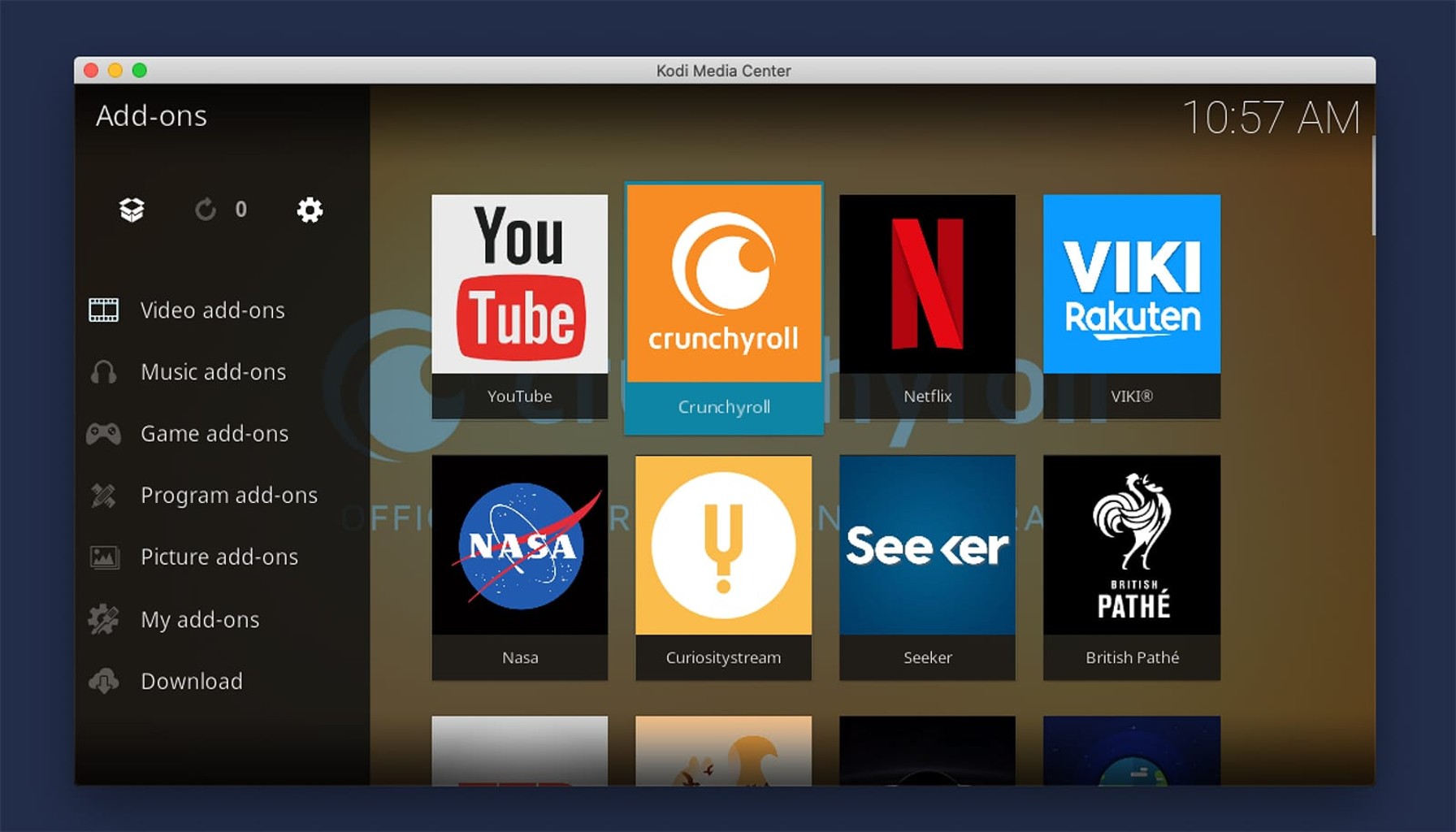
Finding reliable anime add-ons for Kodi can be frustrating, especially with so many options that either don’t work or deliver poor streaming quality. After testing dozens of add-ons throughout 2025, I’ve identified the three best Kodi anime add-ons that consistently deliver high-quality streams, regular updates, and user-friendly interfaces.
🔒 Protect Your Kodi Streaming
Avoid ISP tracking and stream Kodi safely using one of the fastest and most trusted VPN services.
✔ Works with Kodi & Firestick
✔ No Logs Privacy Protection
✔ 30-Day Money Back Guarantee
Recommended for safe and private Kodi streaming
Why Anime Add-ons Matter for Kodi Users
Anime fans using Kodi often struggle with buffering issues, broken links, and outdated content libraries. The right add-ons solve these problems by providing stable connections to multiple streaming sources, regular maintenance updates, and organized content categories that make finding your favorite shows effortless.
The 3 Best Kodi Anime Add-ons in 2026
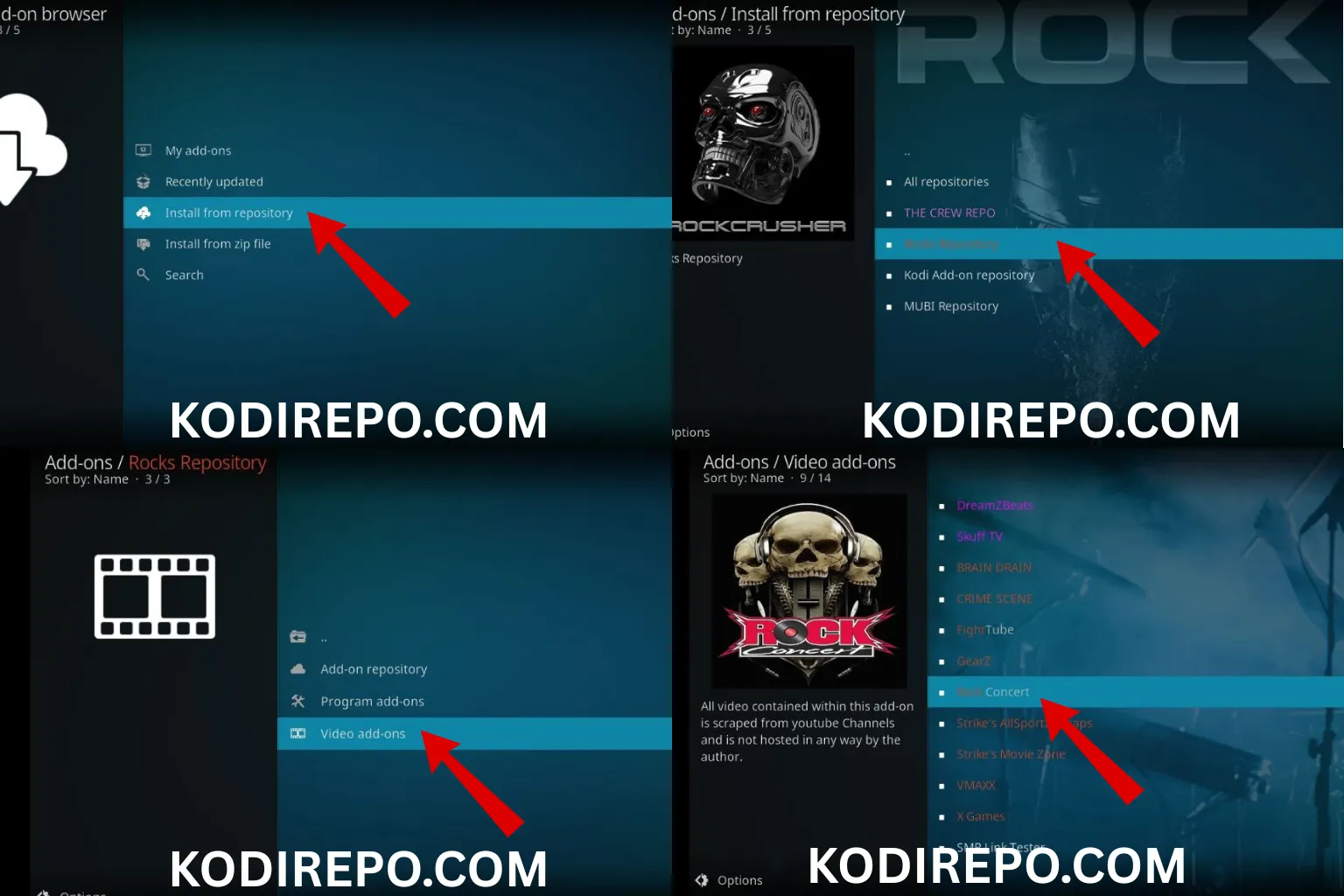
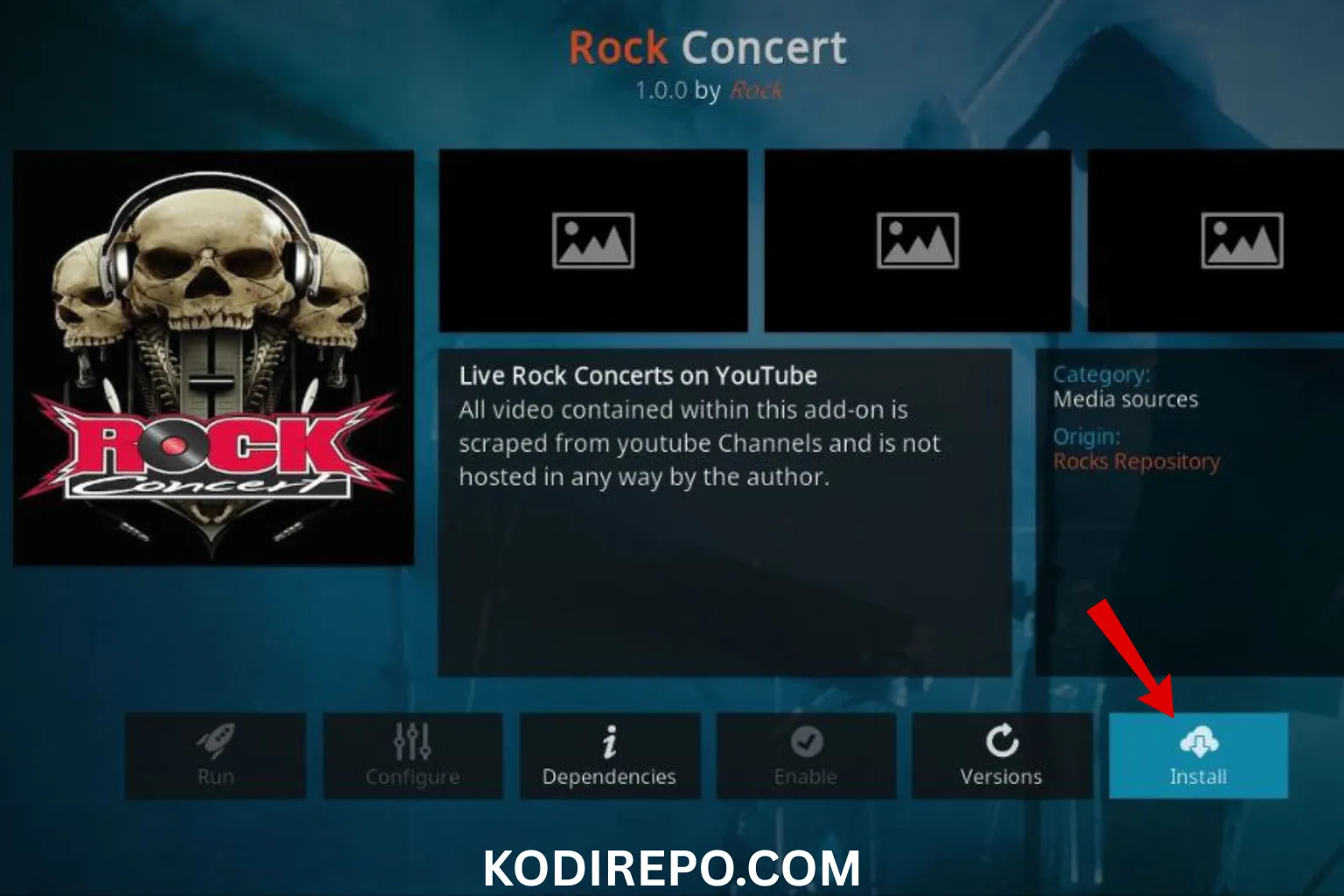
⚠️ WARNING: Before installing this Kodi addon, it is strongly recommended to use a VPN to protect your privacy while streaming.
👉 Get 76% NordVPN Deal1. AnimeGo – The All-in-One Solution
AnimeGo has emerged as the most reliable anime add-on for Kodi in 2026, offering an extensive library of both subbed and dubbed content across all genres.
Key Features:
– Regular content updates with new episodes within 24 hours of release
– Multiple streaming quality options from 480p to 1080p
– Integrated search functionality across all anime databases
– Favorites system for tracking your watch progress
– Trakt.tv integration for cross-device synchronization
Installation Process:
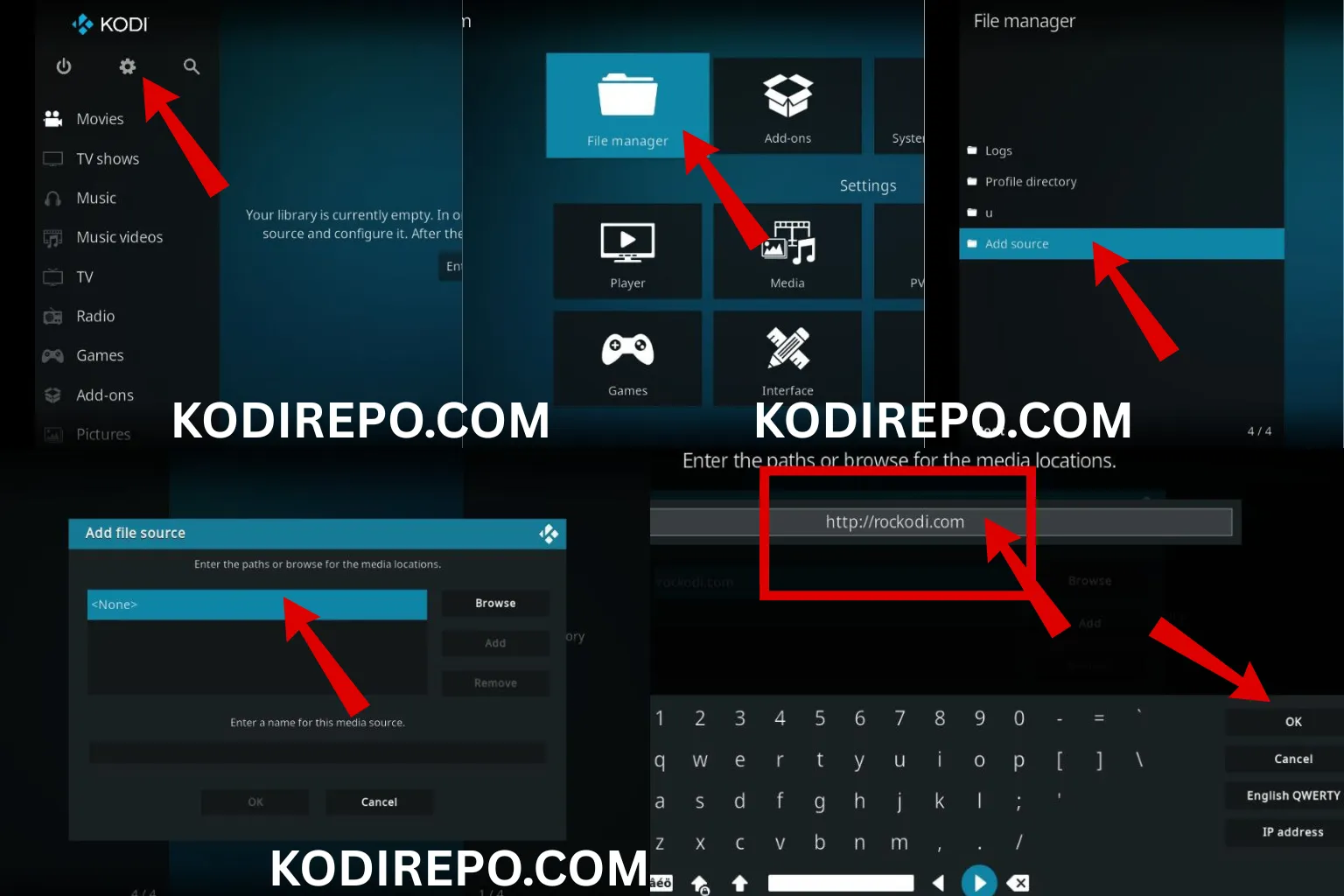
1. Open Kodi and navigate to Settings (gear icon)
2. Select File Manager > Add Source
3. Enter the repository URL: https://animego-repo.com/repo
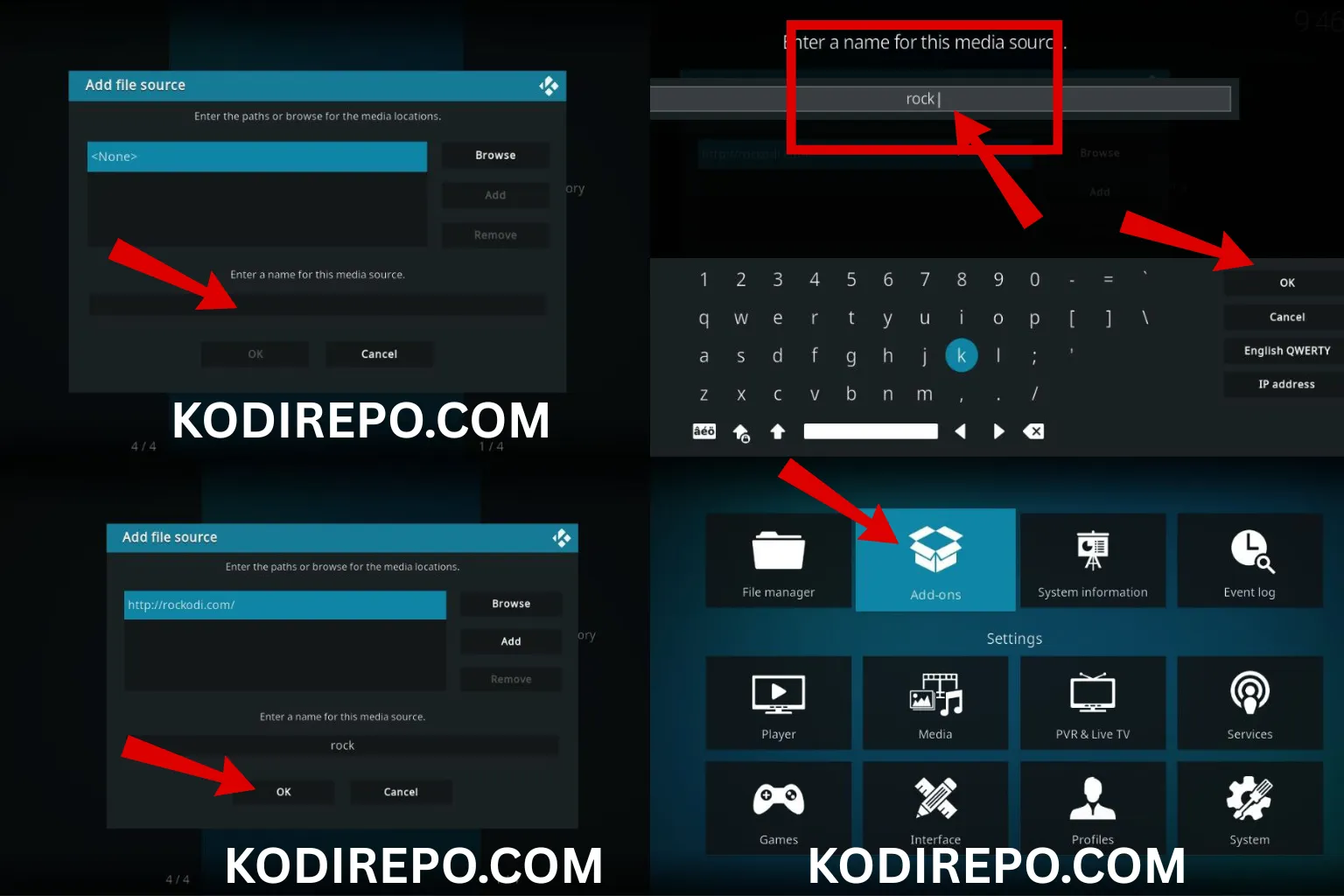
4. Name it “AnimeGo Repo” and click OK
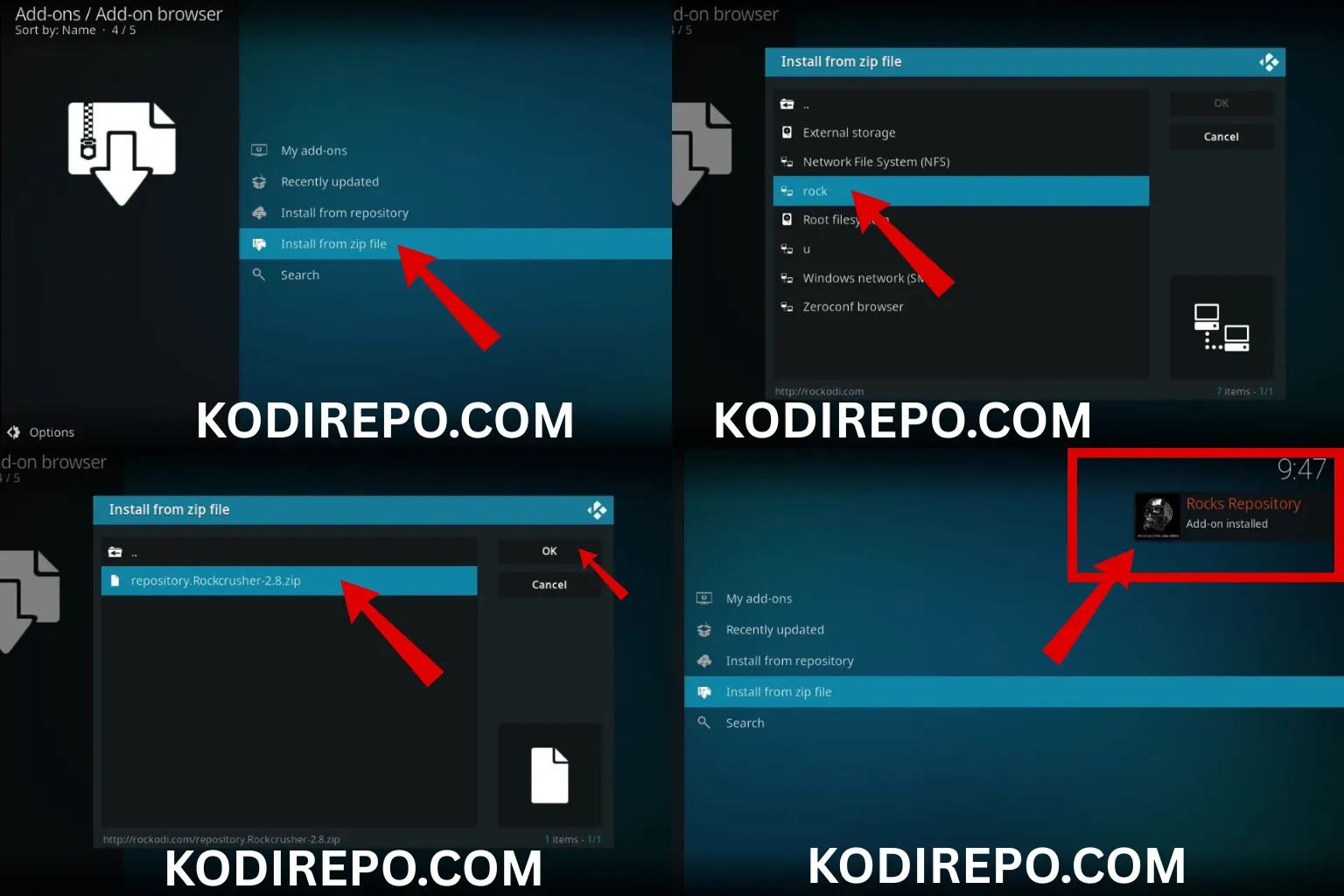
5. Return to Home Screen > Add-ons > Install from zip file
6. Select “AnimeGo Repo” and choose repository.animego.zip
7. Wait for the notification, then select Install from repository
8. Navigate to AnimeGo Repo > Video add-ons > AnimeGo
9. Click Install and wait for dependencies to load
Common Issues & Solutions:
– Add-on not working after installation: Clear cache through Tools > Clear Cache
– Buffering problems: Adjust video cache size in Settings > Player > Files
– No content showing: Update the add-on through the repository
2. 9Anime – The Quality Champion
9Anime stands out for its exceptional streaming quality and minimal buffering, making it perfect for users with stable internet connections who prioritize visual experience.
Key Features:
– HD streaming support up to 1080p with minimal buffering
– Advanced filtering options by genre, year, and popularity
– Multiple server options for each title
– Automatic episode tracking for ongoing series
– Minimal ads compared to other free add-ons
Installation Process:
1. Download the repository ZIP from https://9anime-kodi.com/repo
2. In Kodi, go to Add-ons > Package icon (top-left)
3. Select Install from zip file
4. Choose the downloaded repository.9anime.zip
5. Wait for installation confirmation
6. Go to Install from repository > 9Anime Repo > Video add-ons
7. Select 9Anime and click Install
Troubleshooting Tips:
– 404 errors: The add-on requires Real-Debrid integration for optimal performance
– Slow loading: Disable automatic updates in Settings > Add-ons
– Missing episodes: Use the Refresh Metadata option in the add-on settings
3. Anime Haven – The Beginner-Friendly Choice
Anime Haven is designed with simplicity in mind, making it ideal for Kodi newcomers while still offering comprehensive anime content for experienced users.
Key Features:
– Intuitive interface with clear category navigation
– One-click streaming with minimal setup required
– Built-in subtitle support for multiple languages
– Regular maintenance updates ensuring stability
– Small footprint that doesn’t impact Kodi performance
Installation Process:
1. Access Settings > System Settings > Add-ons
2. Enable Unknown Sources (required for third-party add-ons)
3. Return to Home Screen and select Add-ons
4. Click the Package icon > Install from zip file
5. Enter repository URL: https://animehaven.xyz/repo
6. Select repository.animehaven.zip when downloaded
7. Navigate to Install from repository > Anime Haven Repo
8. Choose Video add-ons > Anime Haven > Install
User Support:
– Settings menu includes built-in help documentation
– Auto-update feature ensures you always have the latest version
– Compatibility check runs automatically on startup
Essential Requirements for Optimal Performance
Before installing any anime add-ons, ensure your Kodi setup meets these requirements:
System Requirements:
– Kodi version 19.4 or higher for best compatibility
– Minimum 2GB RAM for smooth streaming
– Stable internet connection (5Mbps minimum for HD)
– 20GB free storage for cache and temporary files
Recommended Add-ons for Enhanced Experience:
– Real-Debrid integration for premium streaming links
– Trakt.tv for cross-device watch tracking
– Subtitles add-on for automatic subtitle downloads
Installation Best Practices
Security Considerations:
– Always download repositories from official sources
– Keep your Kodi installation updated
– Use a VPN when streaming content through third-party add-ons
– Regularly clear cache to prevent performance issues
Performance Optimization:
– Enable hardware acceleration in Settings > Player
– Adjust video buffer size based on your internet speed
– Disable automatic updates during peak streaming hours
– Use a wired Ethernet connection instead of Wi-Fi when possible
Troubleshooting Common Issues
Add-on Won’t Install:
– Check that “Unknown Sources” is enabled
– Verify the repository URL is correct
– Clear Kodi cache and try again
– Ensure sufficient storage space available
Streaming Quality Problems:
– Test your internet speed using built-in Kodi tools
– Switch between different streaming servers
– Adjust video quality settings in the add-on preferences
– Consider Real-Debrid integration for better links
Content Not Updating:
– Force refresh the add-on database
– Check for available updates in the repository
– Clear the add-on cache through maintenance tools
– Reinstall the add-on if problems persist
Maintaining Your Anime Add-ons
Regular Maintenance Schedule:
– Weekly: Clear cache and check for updates
– Monthly: Review add-on settings and performance
– Quarterly: Reinstall add-ons to ensure clean installation
Update Management:
– Enable automatic updates for critical security patches
– Manually check for new features and improvements
– Backup your Kodi configuration before major updates
– Test new versions in a controlled environment
Legal Considerations
While Kodi itself is legal software, the legality of streaming content depends on your location and the specific content being accessed. Consider these points:
- Use official sources whenever possible
- Research local copyright laws regarding streaming
- Consider using a VPN for privacy protection
- Support official anime distributors when feasible
Conclusion
The three best Kodi anime add-ons in 2026—AnimeGo, 9Anime, and Anime Haven—each offer unique advantages for different user needs. Whether you prioritize comprehensive libraries, streaming quality, or user-friendly interfaces, these add-ons provide reliable solutions for anime fans.
By following proper installation procedures, maintaining regular updates, and optimizing your Kodi setup, you can enjoy a seamless anime streaming experience throughout 2026 and beyond.
Remember to always prioritize security, respect copyright laws, and support the anime industry through official channels when possible. Happy streaming!