Drag the slider to adjust text size.
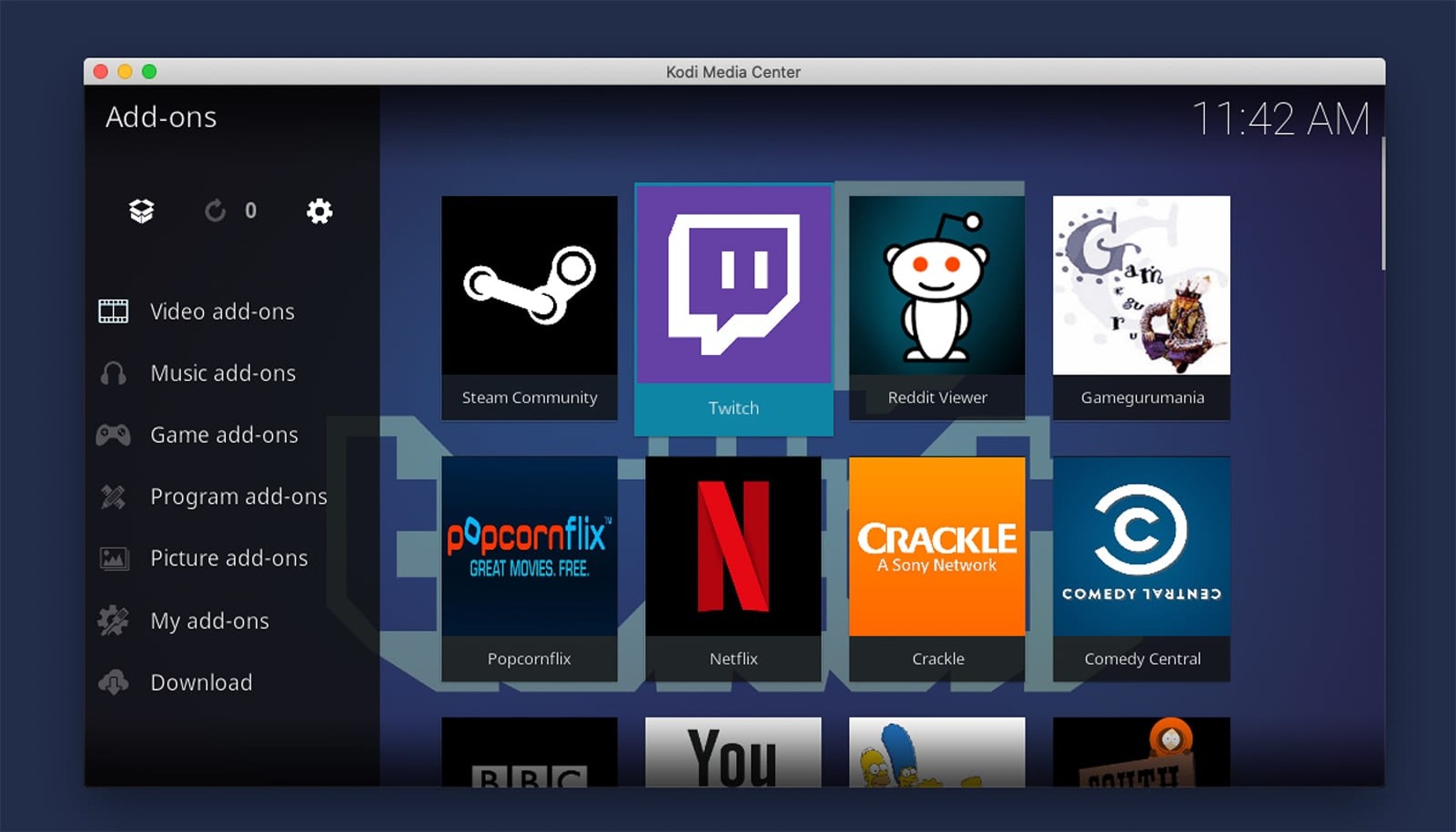
Kodi users often struggle to find reliable gaming addons that actually work. After testing dozens of options throughout 2026, I’ve compiled the most stable and feature-rich gaming addons that deliver smooth performance without constant buffering or broken links.
🔒 Protect Your Kodi Streaming
Avoid ISP tracking and stream Kodi safely using one of the fastest and most trusted VPN services.
✔ Works with Kodi & Firestick
✔ No Logs Privacy Protection
✔ 30-Day Money Back Guarantee
Recommended for safe and private Kodi streaming
What Makes a Great Gaming Kodi Addon?
Before diving into the list, it’s important to understand what separates good gaming addons from the countless mediocre ones flooding the Kodi repository. The best gaming addons share several key characteristics: consistent uptime, regular updates, clean interfaces, and most importantly, working content.
1. LaunchBox
LaunchBox stands out as the most comprehensive gaming frontend for Kodi enthusiasts. This addon transforms your Kodi interface into a professional arcade experience with thousands of retro games from multiple platforms.
Key features:
– Supports multiple emulators including MAME, SNES, Genesis, and PlayStation
– Automatic metadata scraping for game covers and descriptions
– Custom themes and bezels for authentic arcade feel
– Controller configuration wizard for optimal setup
Installation requires downloading the LaunchBox application separately and configuring your emulator paths, but the setup process is well-documented and worth the initial effort.
2. RetroPlayer
Built directly into Kodi’s core, RetroPlayer offers seamless integration that no third-party addon can match. This native solution provides excellent performance with minimal configuration required.
Why RetroPlayer excels:
– Zero additional software needed – works with existing Kodi installation
– Supports popular controllers out of the box
– Automatic ROM detection when placed in designated folders
– Smooth performance even on lower-end hardware
The main limitation is the somewhat basic interface compared to dedicated frontend solutions, but for users wanting simplicity, RetroPlayer delivers.
3. Xonfluence Gaming Build
For those preferring complete packages rather than individual addons, Xonfluence Gaming Build bundles multiple gaming sources with Kodi’s media features. This all-in-one solution eliminates the need to hunt down separate components.
Included gaming sources:
– Multiple ROM repositories
– Online game streaming options
– Emulator configuration tools
– Custom gaming skins and menus
The build can be resource-intensive, so ensure your device has sufficient storage and RAM before installation.
4. Nostalgia
Nostalgia focuses specifically on classic arcade and console gaming with an interface designed to evoke retro gaming memories. The addon features an extensive library of curated content from the golden age of gaming.
Standout features:
– Hand-picked game collections organized by era and genre
– High-quality box art and screenshots
– Detailed game information and historical context
– Community-driven content recommendations
Regular updates keep the game database current while maintaining the classic feel users appreciate.
5. Plex Arcade (via Kodi Web Interface)
While technically not a traditional Kodi addon, Plex Arcade integration through Kodi’s web interface provides access to modern streaming gaming services. This hybrid approach combines Kodi’s media management with cloud gaming capabilities.
Setup requirements:
– Plex Pass subscription
– Compatible game controllers
– Stable internet connection (minimum 15 Mbps recommended)
– Plex server running on capable hardware
The streaming quality depends heavily on your network conditions, but when configured properly, it offers console-quality gaming without local hardware requirements.
6. GameDex
GameDex specializes in handheld and portable gaming systems, making it perfect for users interested in Game Boy, PSP, and similar platforms. The addon’s lightweight design ensures smooth performance even on older Kodi installations.
Key advantages:
– Optimized for mobile and low-power devices
– Extensive handheld game library
– Battery-friendly operation
– Simple, intuitive navigation
The addon includes helpful tools for configuring screen scaling and button layouts specific to handheld gaming experiences.
Installation and Setup Best Practices
Getting these addons running smoothly requires attention to several technical details. First, ensure your Kodi installation is current – many gaming addons require recent versions for compatibility. Second, organize your ROM collection properly before installation to avoid configuration headaches later.
Essential setup steps:
– Create dedicated folders for different game systems
– Name ROM files consistently for better scraping results
– Configure controller settings before extensive gameplay
– Set up automatic updates for addon maintenance
Performance Optimization Tips
Gaming on Kodi can be demanding on system resources. To maintain smooth performance, consider these optimization strategies:
Close unnecessary background processes, adjust Kodi’s video cache settings for better streaming performance, and ensure adequate cooling for your device during extended gaming sessions. For network-based gaming, prioritize wired connections over WiFi when possible.
Legal Considerations
It’s crucial to understand the legal aspects of gaming on Kodi. While the addons themselves are legal, downloading ROMs for games you don’t own constitutes copyright infringement in most jurisdictions. Focus on games you legally own or those released as freeware by their creators.
Troubleshooting Common Issues
Users frequently encounter controller configuration problems, missing game art, or addon crashes. Most issues resolve by clearing the addon cache, verifying file paths, or reinstalling the problematic addon. Keep backup copies of your Kodi configuration to quickly restore settings if problems persist.
Future of Gaming on Kodi
The Kodi gaming ecosystem continues evolving with improved emulator support and better integration with modern gaming services. While 2026 saw significant advancements, the foundation laid this year promises even better gaming experiences in subsequent releases.
Conclusion
Finding the right gaming addons for Kodi doesn’t need to be frustrating. The six options covered here represent the most reliable and feature-complete choices available in 2026. Whether you prefer native solutions like RetroPlayer or comprehensive builds like Xonfluence, there’s a gaming addon that fits your needs and technical comfort level.
Remember that addon performance varies by device capabilities and network conditions. Start with one addon, master its configuration, then expand your gaming library as you become more comfortable with the Kodi gaming ecosystem.