Drag the slider to adjust text size.
If you’re a motorsport fan looking to stream races, highlights, and related content directly through Kodi, the Torque Lite addon is a must-have. This guide will walk you through every step to install Torque Lite Kodi addon safely and efficiently, ensuring you can enjoy motorsport content without hassle.
🔒 Protect Your Kodi Streaming
Avoid ISP tracking and stream Kodi safely using one of the fastest and most trusted VPN services.
✔ Works with Kodi & Firestick
✔ No Logs Privacy Protection
✔ 30-Day Money Back Guarantee
Recommended for safe and private Kodi streaming
What is the Torque Lite Kodi Addon?
Torque Lite is a popular Kodi addon designed specifically for motorsport enthusiasts. It provides access to live races, replays, documentaries, and other motorsport-related media. Built on the Kodil repository, Torque Lite is lightweight and optimized for smooth streaming performance.
Why Choose Torque Lite for Motorsport Streaming?
- Specialized Content: Focused entirely on motorsport, including F1, MotoGP, NASCAR, and more.
- Free Access: No subscription fees required.
- User-Friendly Interface: Easy navigation tailored for racing fans.
- Regular Updates: Keeps content fresh and sources active.
Prerequisites Before Installing Torque Lite
Before you begin, ensure you have:
- Kodi installed on your device (Windows, Mac, Android, or Firestick).
- A stable internet connection.
- Enable Unknown Sources in Kodi settings to allow third-party addon installations.
Step-by-Step Installation Guide
Step 1: Enable Unknown Sources
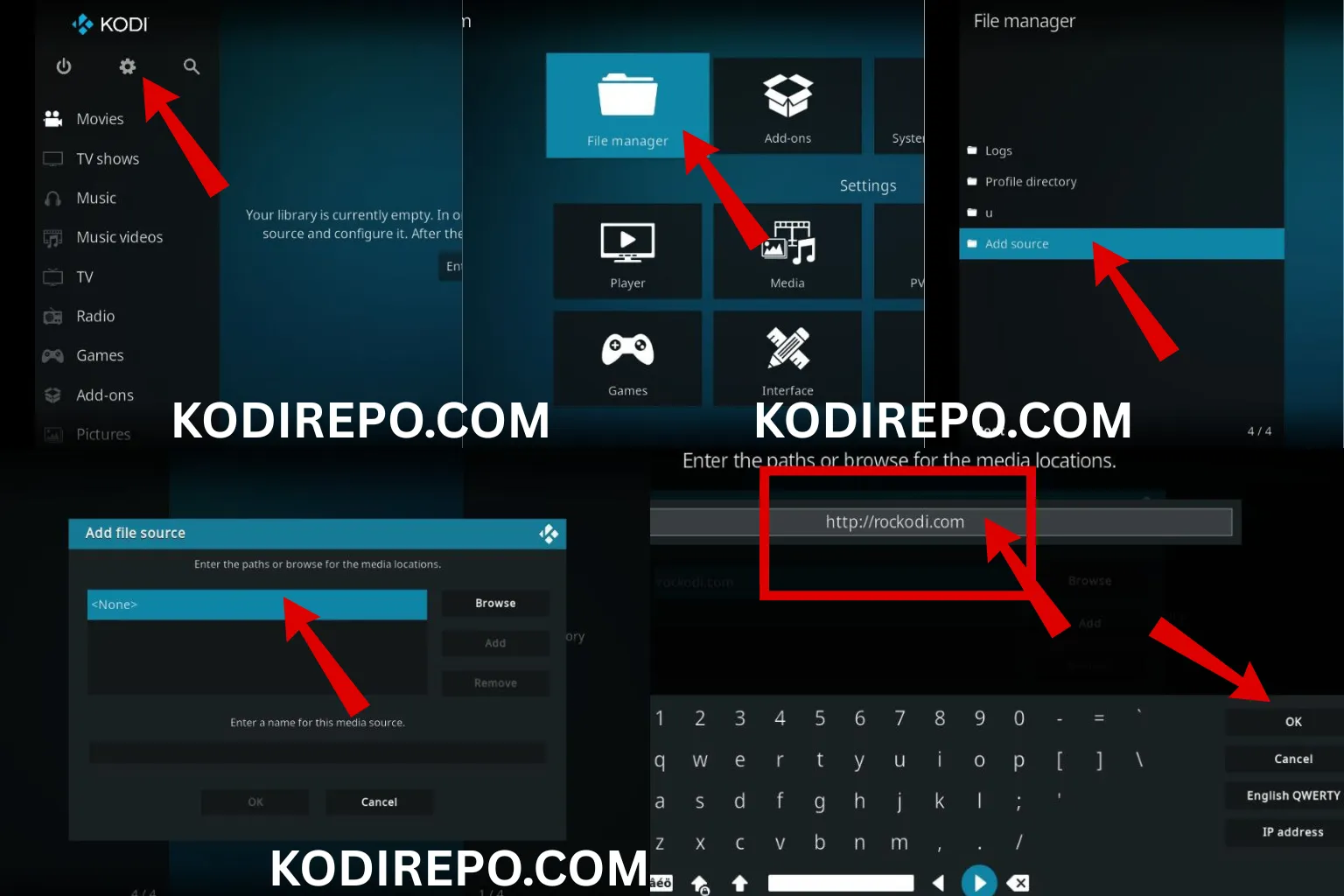
- Open Kodi and click the gear icon to access Settings.
- Go to System Settings > Add-ons.
- Toggle Unknown Sources to On.
- Confirm the warning message.
Step 2: Add the Kodil Repository
⚠️ WARNING: Before installing this Kodi addon, it is strongly recommended to use a VPN to protect your privacy while streaming.
👉 Get 76% NordVPN Deal- Return to Settings > File Manager.
- Click Add Source > None.
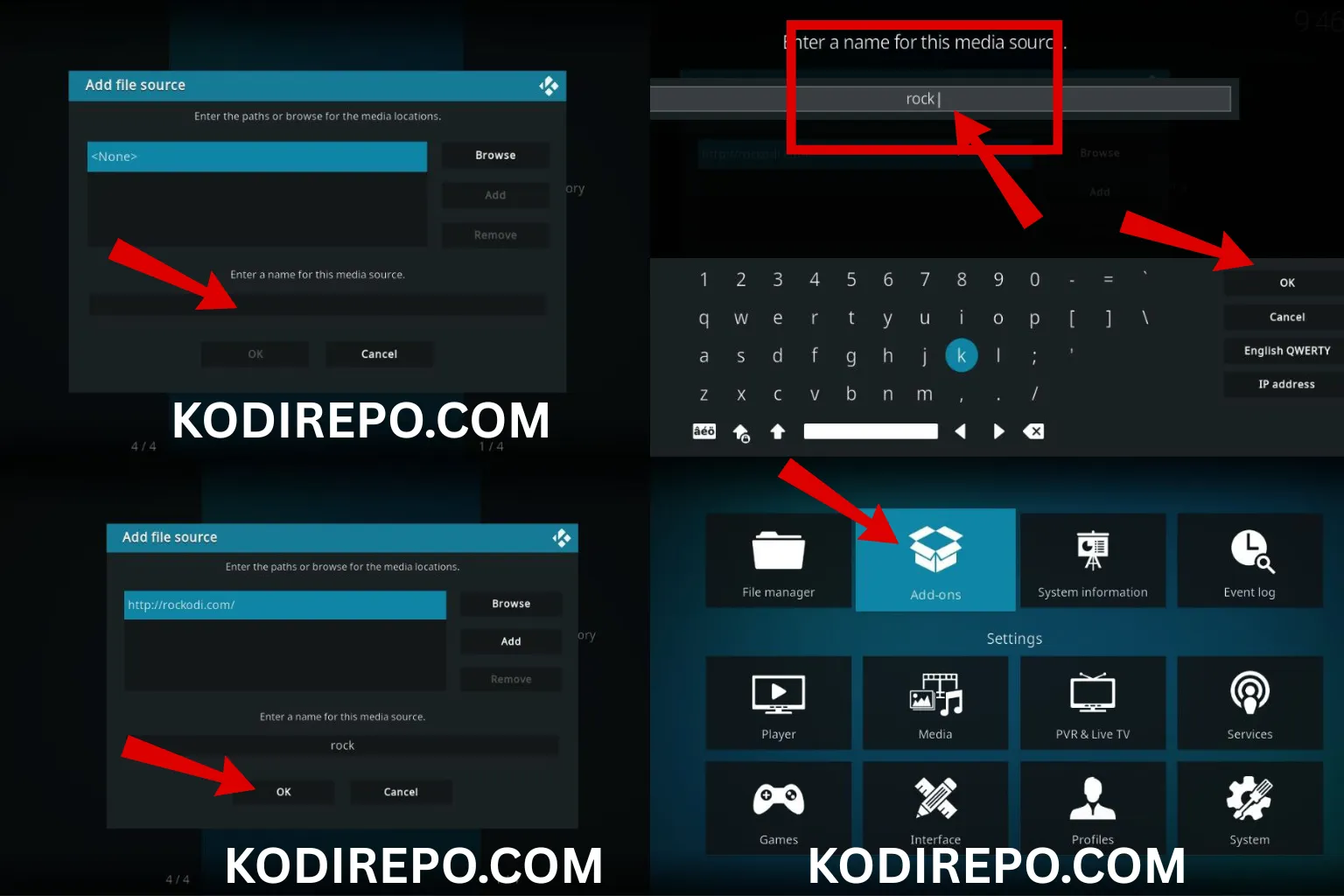
- Enter the URL: http://cmanbuildsxyz.com/repoand name it Kodil.
- Click OK to save.
Step 3: Install the Kodil Repository
- Go back to Settings > Add-ons.
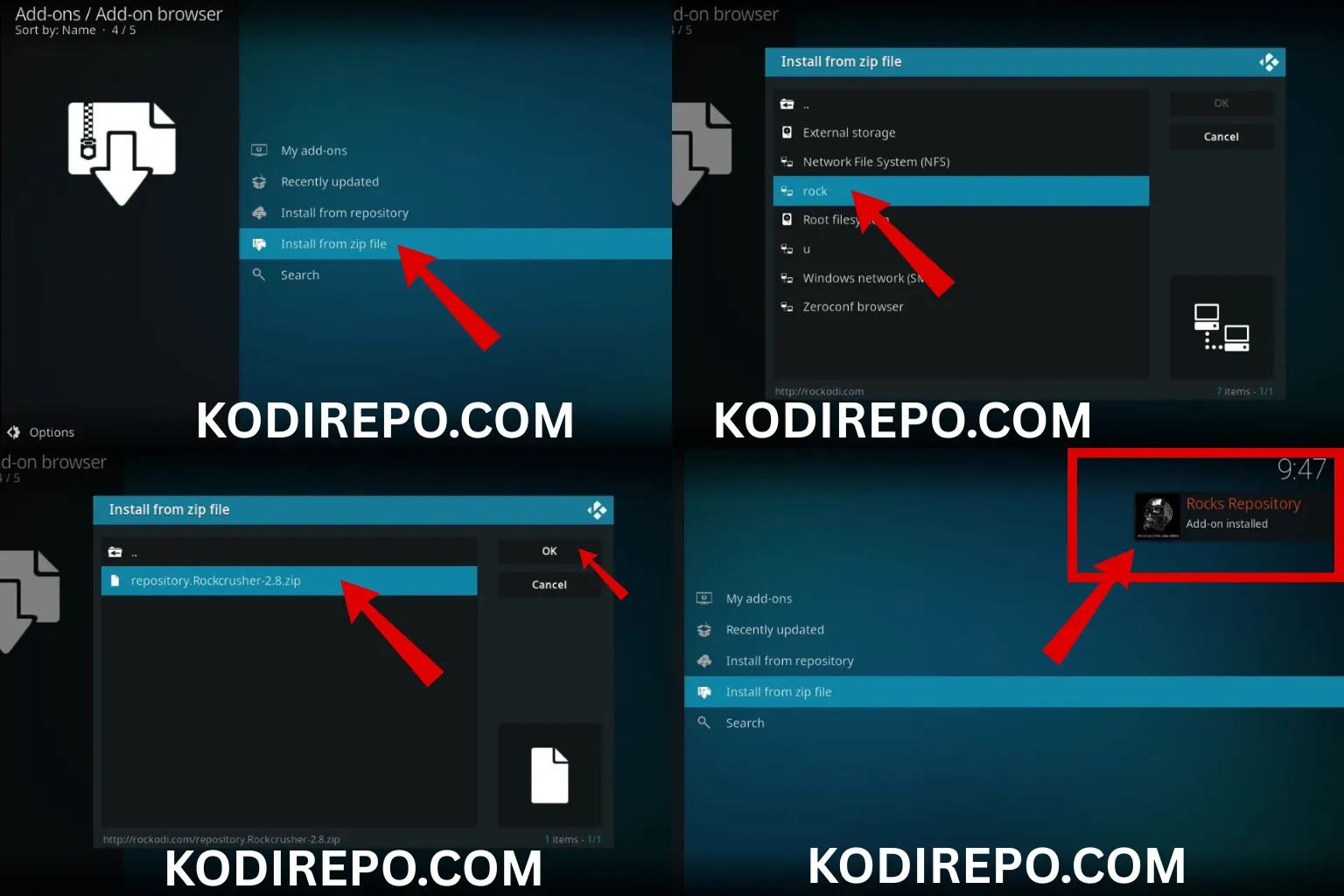
- Select Install from zip file.
- Choose Kodil and select the file
repository.kodil.zip. - Wait for the notification confirming successful installation.
Step 4: Install Torque Lite Addon
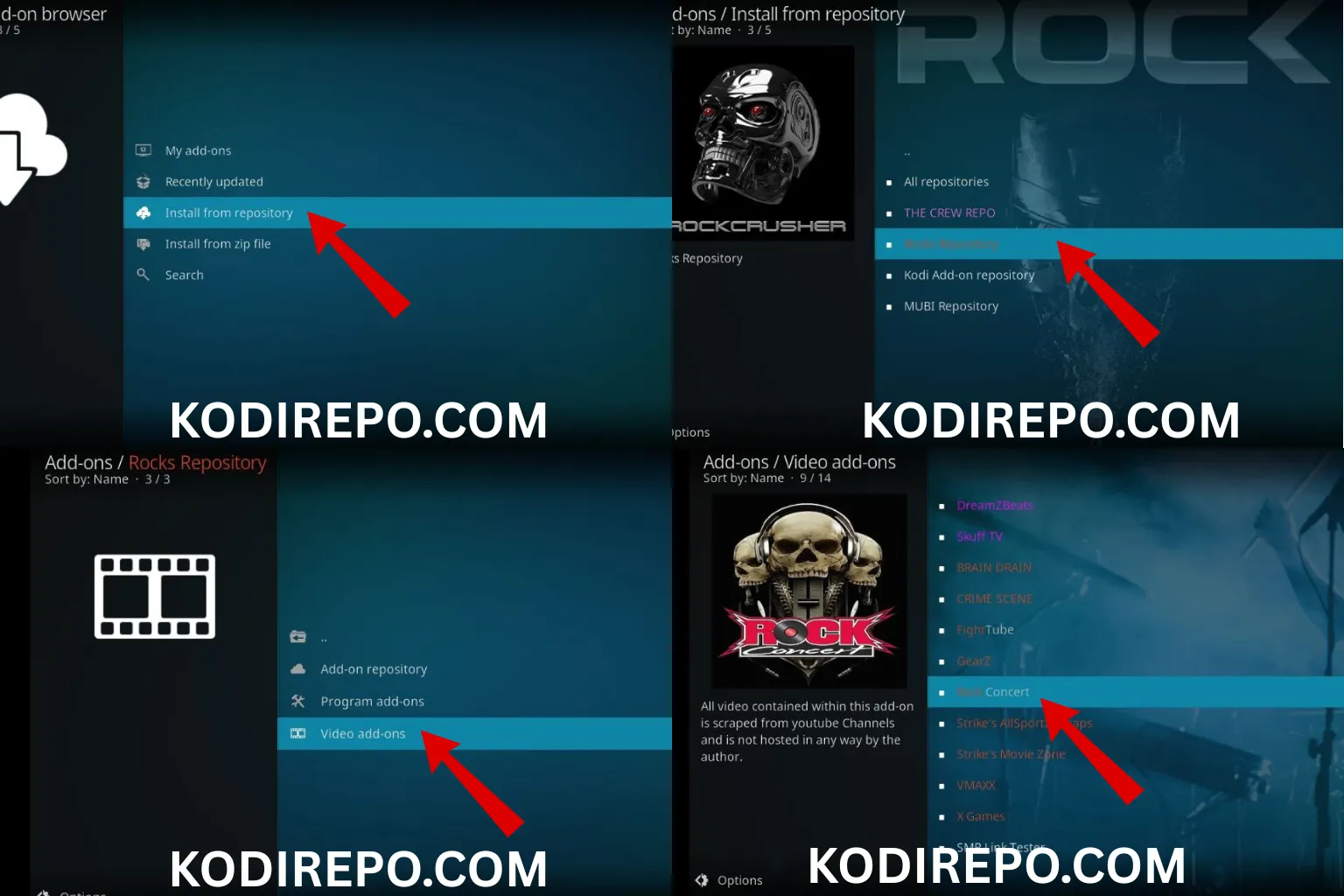
- Navigate to Add-ons > Install from repository.
- Select Kodil Repository > Video add-ons.
- Find and click Torque Lite.
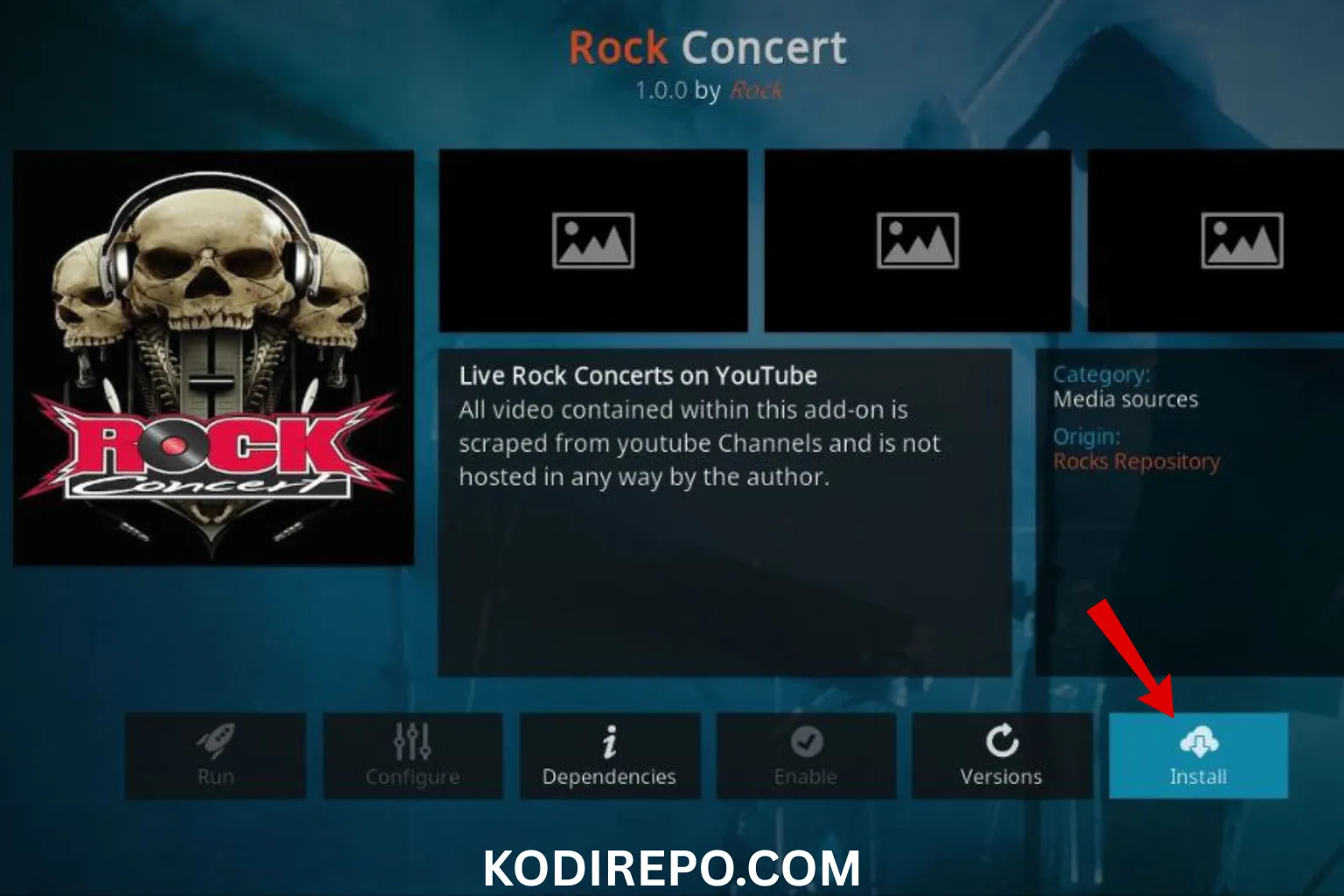
- Click Install and wait for the addon to install.
Step 5: Launch Torque Lite
- Go to Add-ons > Video add-ons.
- Click Torque Lite to open it.
- Browse and enjoy motorsport content.
Troubleshooting Common Issues
- Addon Not Installing: Ensure Unknown Sources is enabled and the Kodil URL is correct.
- Content Not Loading: Check your internet connection or try a VPN for better access.
- Outdated Repository: Visit the Kodil website for updated URLs if needed.
Is Torque Lite Safe and Legal?
Torque Lite itself is a safe addon, but always use a VPN when streaming to protect your privacy. Regarding legality, streaming copyrighted content without permission may be illegal in some regions, so check your local laws.
Alternatives to Torque Lite
If Torque Lite doesn’t meet your needs, consider these alternatives:
- SportsDevil: Broad sports coverage including motorsport.
- Planet MMA: For combat sports fans.
- cCloud TV: Live TV with sports channels.
Tips for Best Streaming Experience
- Use a VPN to bypass geo-restrictions and enhance privacy.
- Clear Kodi cache regularly to improve performance.
- Keep Kodi and addons updated for security and new features.
Conclusion
Installing the Torque Lite Kodi addon is straightforward and opens up a world of motorsport content for free. By following this guide, you can set it up quickly and start streaming your favorite races and shows. Remember to use a VPN and stay informed about the legal aspects of streaming.
Ready to enjoy motorsport on Kodi? Follow these steps and experience seamless streaming with Torque Lite today!