Drag the slider to adjust text size.
How to Install Umbrella Kodi Addon (Latest Version)
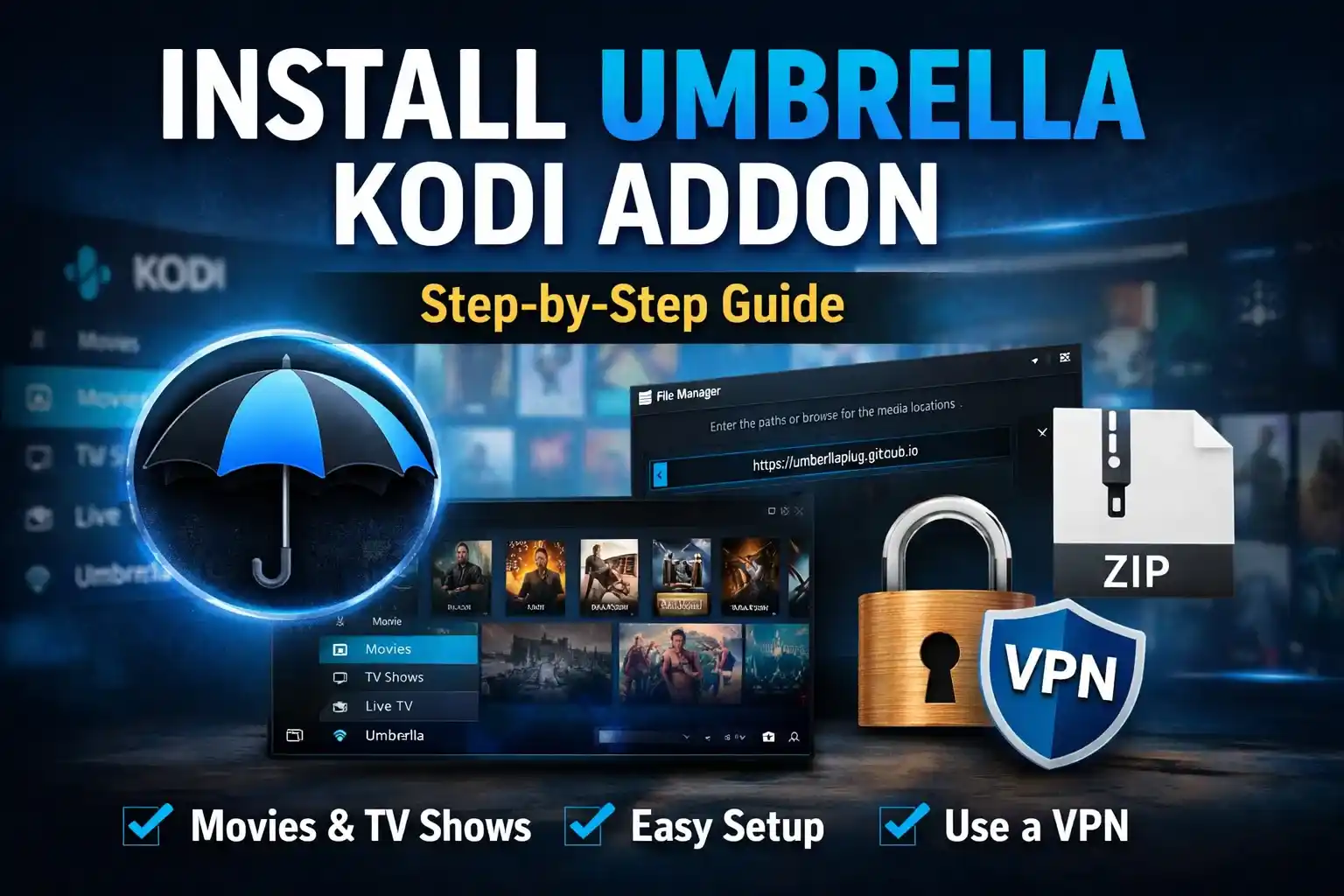
The Umbrella Kodi addon is a popular choice for streaming movies, TV shows, and live content directly through Kodi. Known for its user-friendly interface and extensive library, it has become a go-to option for many Kodi users. This guide will walk you through the installation process step by step, ensuring you can enjoy seamless streaming in no time.
🔒 Protect Your Kodi Streaming
Avoid ISP tracking and stream Kodi safely using one of the fastest and most trusted VPN services.
✔ Works with Kodi & Firestick
✔ No Logs Privacy Protection
✔ 30-Day Money Back Guarantee
Recommended for safe and private Kodi streaming
What is the Umbrella Kodi Addon?
The Umbrella Kodi addon is a third-party extension that allows users to access a wide range of multimedia content, including movies, TV series, and live TV channels. It is particularly favored for its high-quality streams and easy navigation. However, since it is a third-party addon, it’s essential to use a reliable VPN to protect your privacy and security while streaming.
Why Use Umbrella Kodi Addon?
- Extensive Content Library: Access to a vast collection of movies, TV shows, and live channels.
- User-Friendly Interface: Simple and intuitive design for easy navigation.
- High-Quality Streams: Offers HD and 4K streaming options.
- Regular Updates: Developers frequently update the addon to ensure compatibility and add new features.
Prerequisites for Installation
Before installing the Umbrella Kodi addon, ensure you have the following:
- Kodi Installed: Make sure you have the latest version of Kodi on your device.
- Unknown Sources Enabled: Go to Kodi Settings > System > Add-ons and toggle on “Unknown Sources.”
- A Reliable VPN: Protect your privacy and bypass geo-restrictions by using a trusted VPN service.
- Repository URL: You’ll need the URL of the repository that hosts the Umbrella addon.
Step-by-Step Installation Guide
Step 1: Enable Unknown Sources
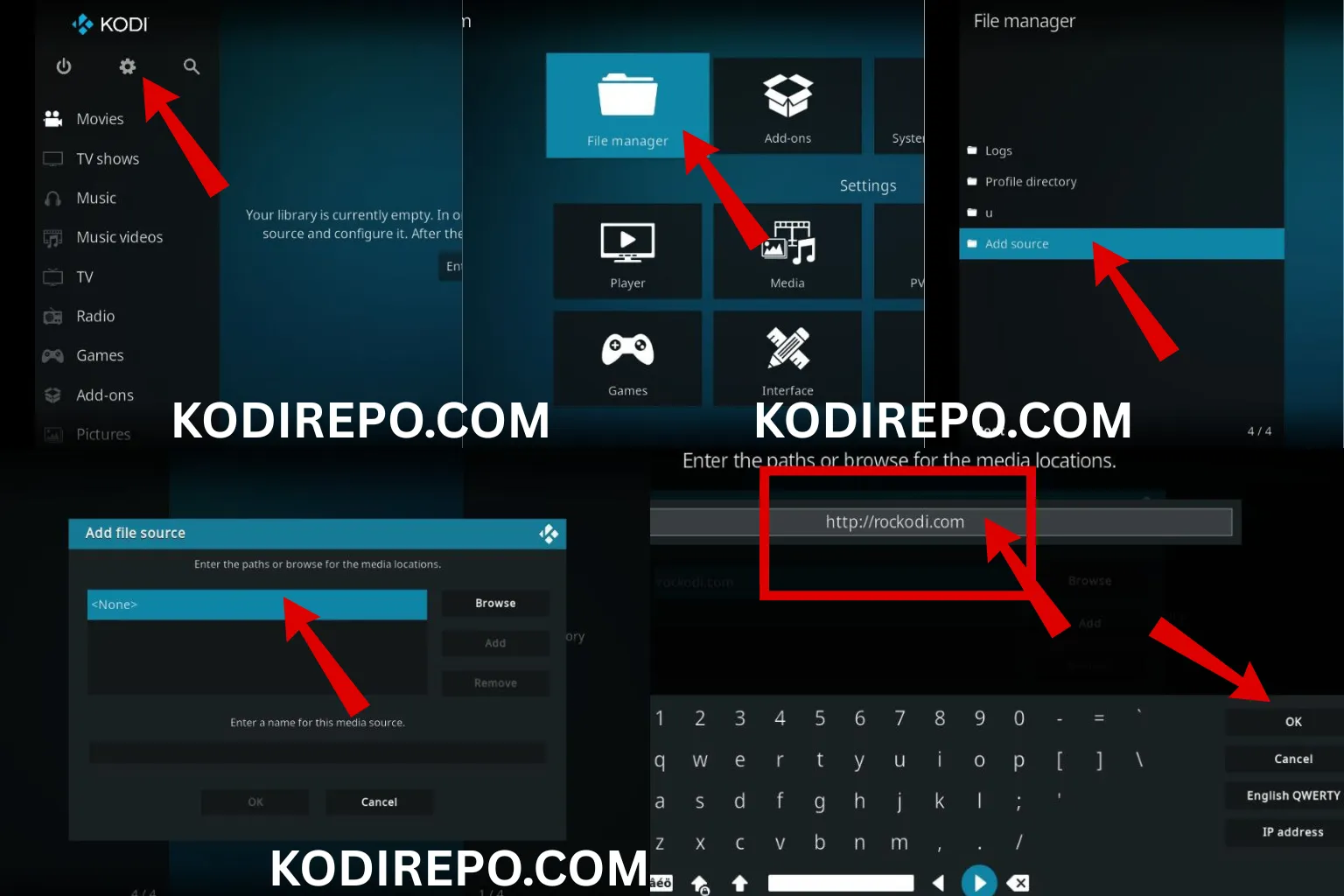
- Open Kodi and click on the gear icon to access Settings.
- Navigate to System > Add-ons.
- Toggle on Unknown Sources and confirm the warning message.
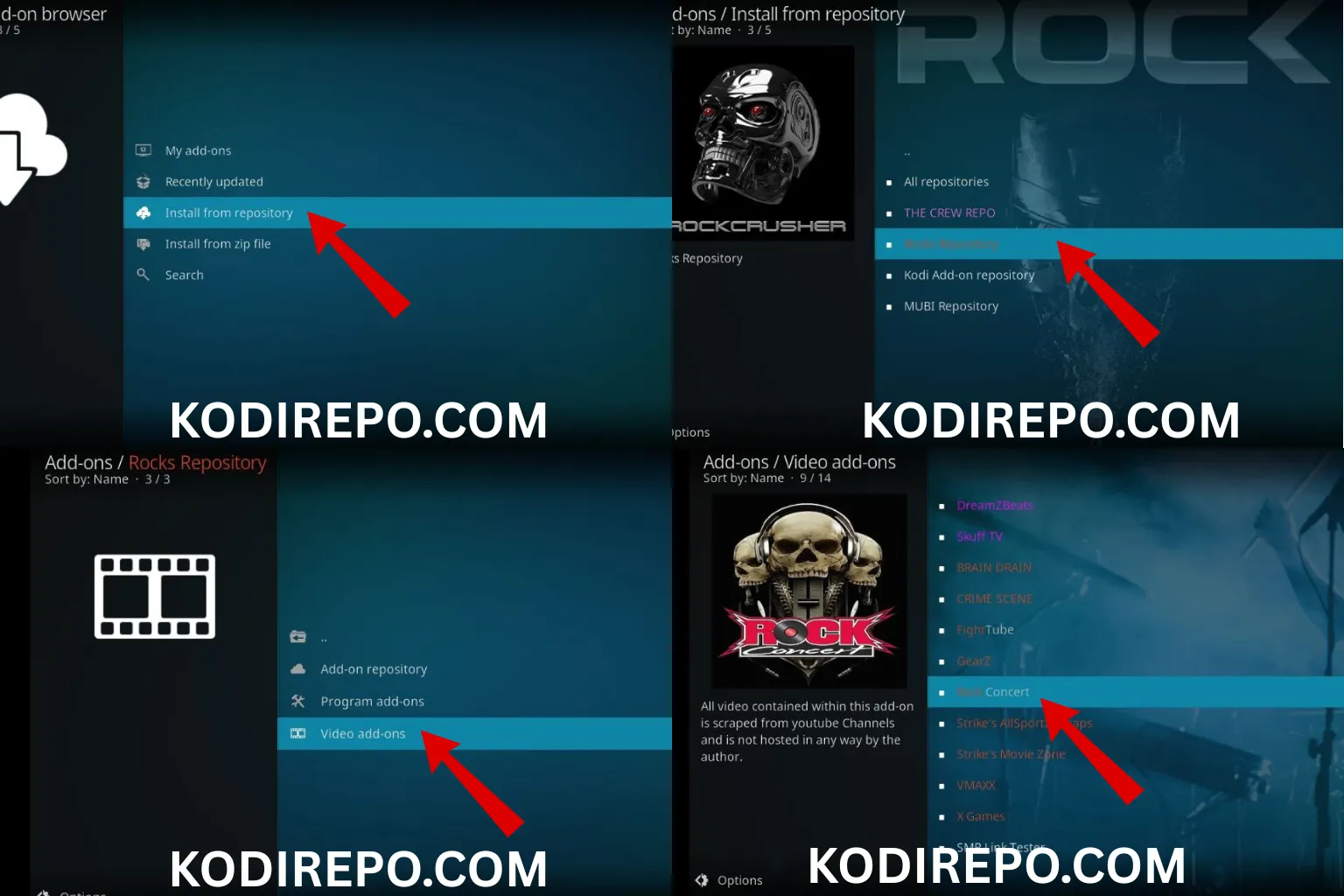
Step 2: Add the Repository Source
⚠️ WARNING: Before installing this Kodi addon, it is strongly recommended to use a VPN to protect your privacy while streaming.
👉 Get 76% NordVPN Deal- Go back to Settings and select File Manager.
- Click on Add Source and choose “
” . - Enter the repository URL: https://umbrellaplug.github.io
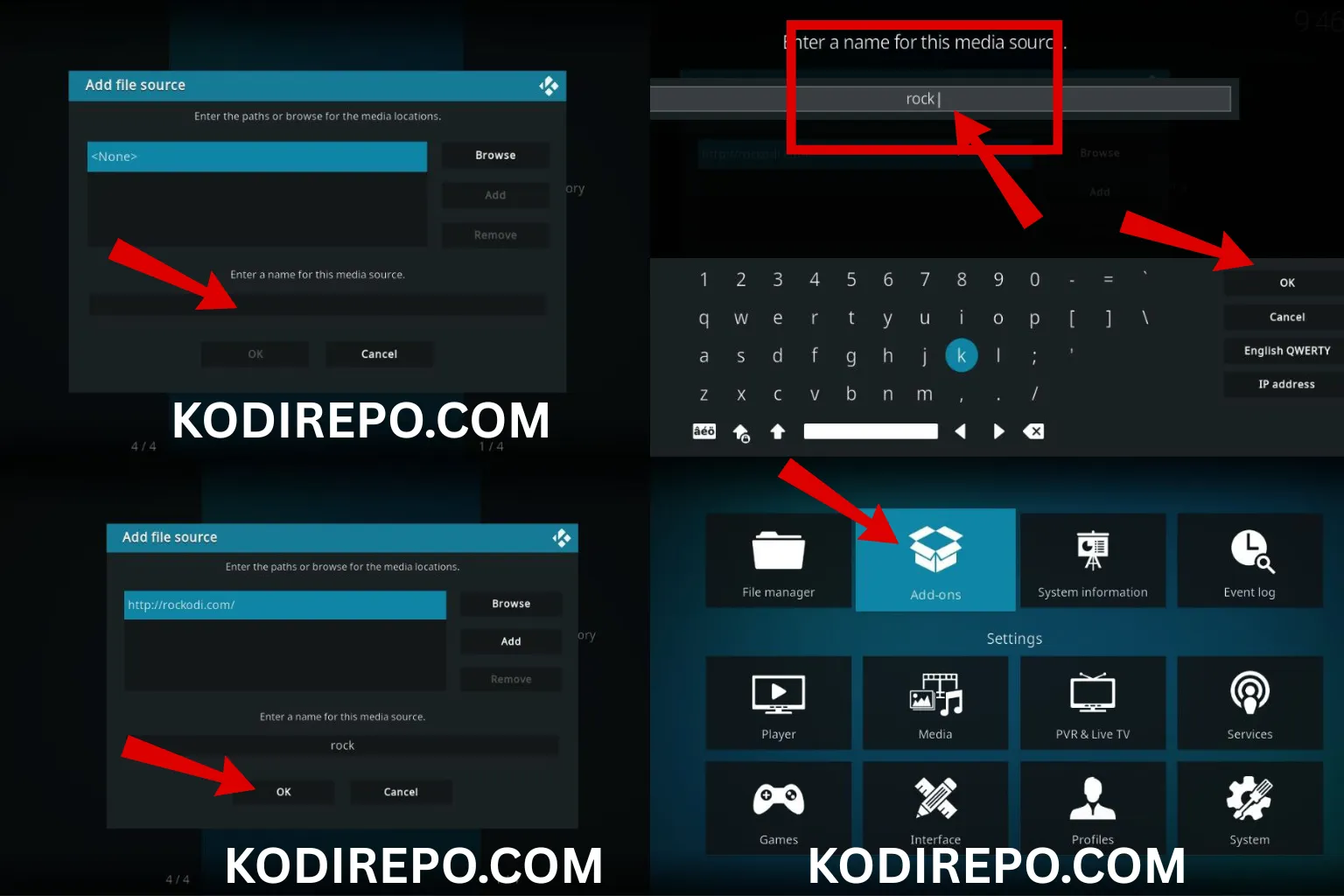
- Name the source (e.g., “Umbrella repo”) and click OK.
Step 3: Install the Repository
- Return to the Home Screen and select Add-ons.
- Click on the Package Installer icon (top-left corner).
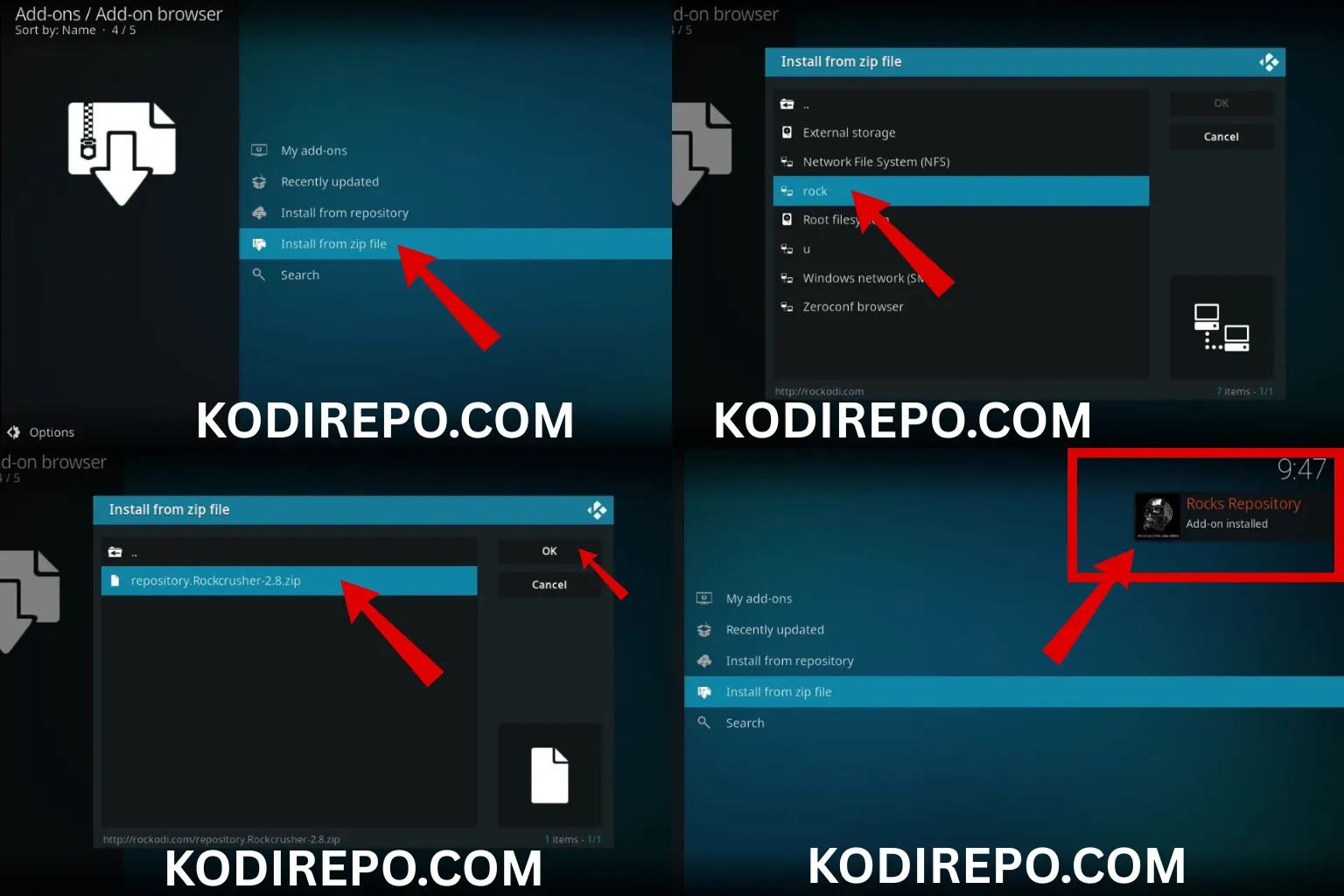
- Choose Install from zip file.
- Select the source you added earlier (e.g., “Umbrella”).
- Find and click on the repository file (e.g.,
repository.umbrella.zip). - Wait for the notification confirming the repository installation.
Step 4: Install the Umbrella Addon
- After installing the repository, go back to the Package Installer.
- Select Install from repository.
- Choose Umbrella Repository.
- Navigate to Video Add-ons and find Umbrella.
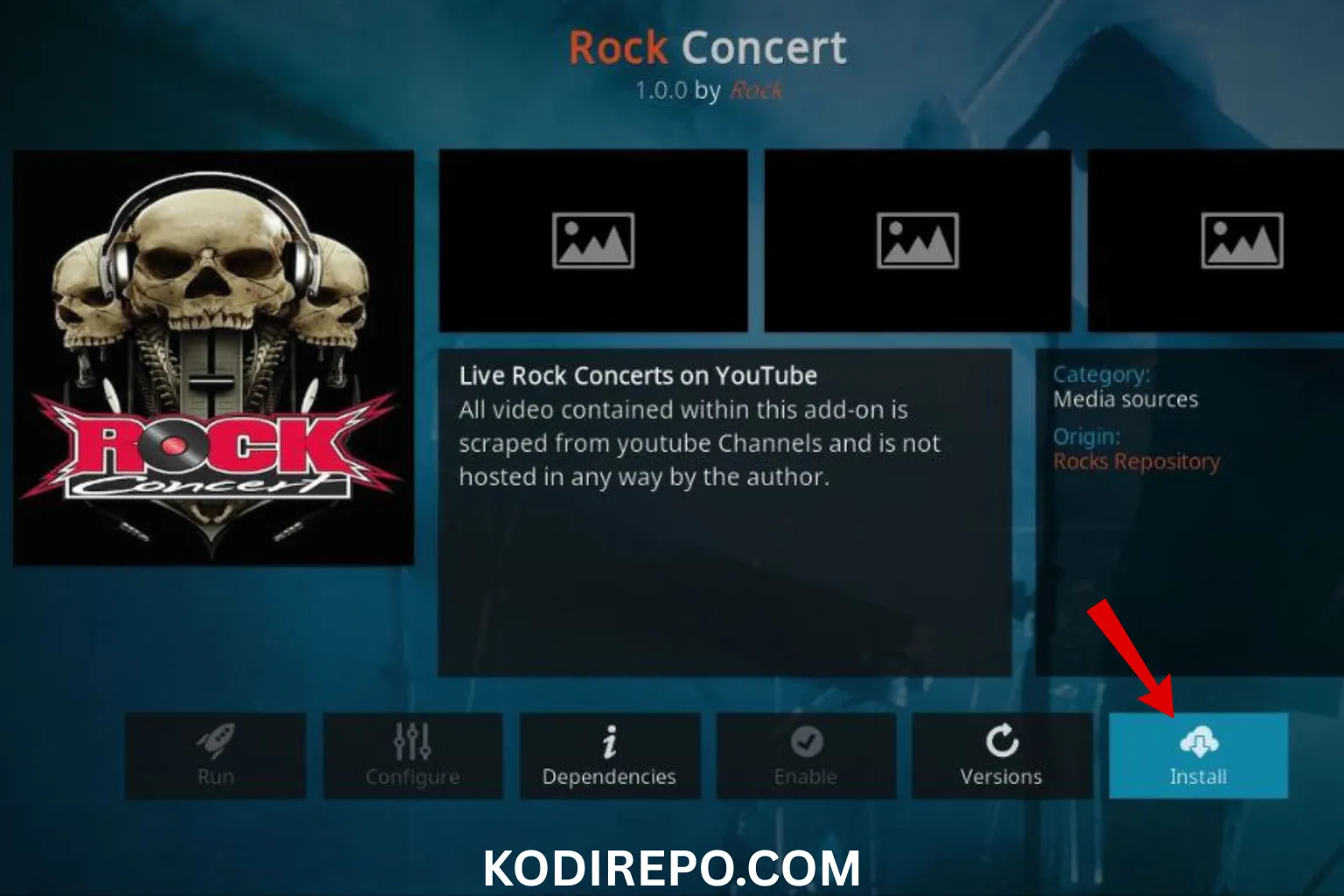
- Click on Install and wait for the addon to download and install.
Step 5: Launch the Addon
- Once installed, return to the Home Screen.
- Go to Add-ons > Video Add-ons.
- Click on Umbrella to launch the addon.
Troubleshooting Common Issues
- Addon Not Installing: Ensure the repository URL is correct and the source is properly added.
- Streams Not Loading: Check your internet connection and try using a VPN.
- Addon Crashing: Clear Kodi cache or reinstall the addon.
Tips for Using Umbrella Kodi Addon
- Use a VPN: Always use a VPN to protect your privacy and access geo-restricted content.
- Keep Kodi Updated: Regularly update Kodi to ensure compatibility with addons.
- Clear Cache: Periodically clear Kodi cache to improve performance.
- Explore Settings: Customize the addon settings for a better streaming experience.
Frequently Asked Questions
Is the Umbrella Kodi addon free?
Yes, the addon is free to install and use, but a VPN subscription is recommended for security.
Can I use Umbrella on all devices?
Yes, Umbrella is compatible with Windows, Mac, Android, iOS, and other devices that support Kodi.
Is it legal to use Umbrella Kodi addon?
The legality depends on your location and the content you stream. Always use a VPN and avoid accessing copyrighted material without permission.
Conclusion
The Umbrella Kodi addon is a fantastic tool for accessing a wide range of multimedia content. By following this guide, you can easily install and start using the addon on your Kodi device. Remember to prioritize your privacy by using a VPN and enjoy a seamless streaming experience. Whether you’re a beginner or an experienced Kodi user, Umbrella is a valuable addition to your entertainment setup.